Appearance
Picker
A kiosk screen for picking items for a merch order, one piece at a time, by scanning a barcode.
1. Open the Picker
Go to Production > Picker. Scan the Start button (or a specific product line’s start button) to begin the next available picking task.
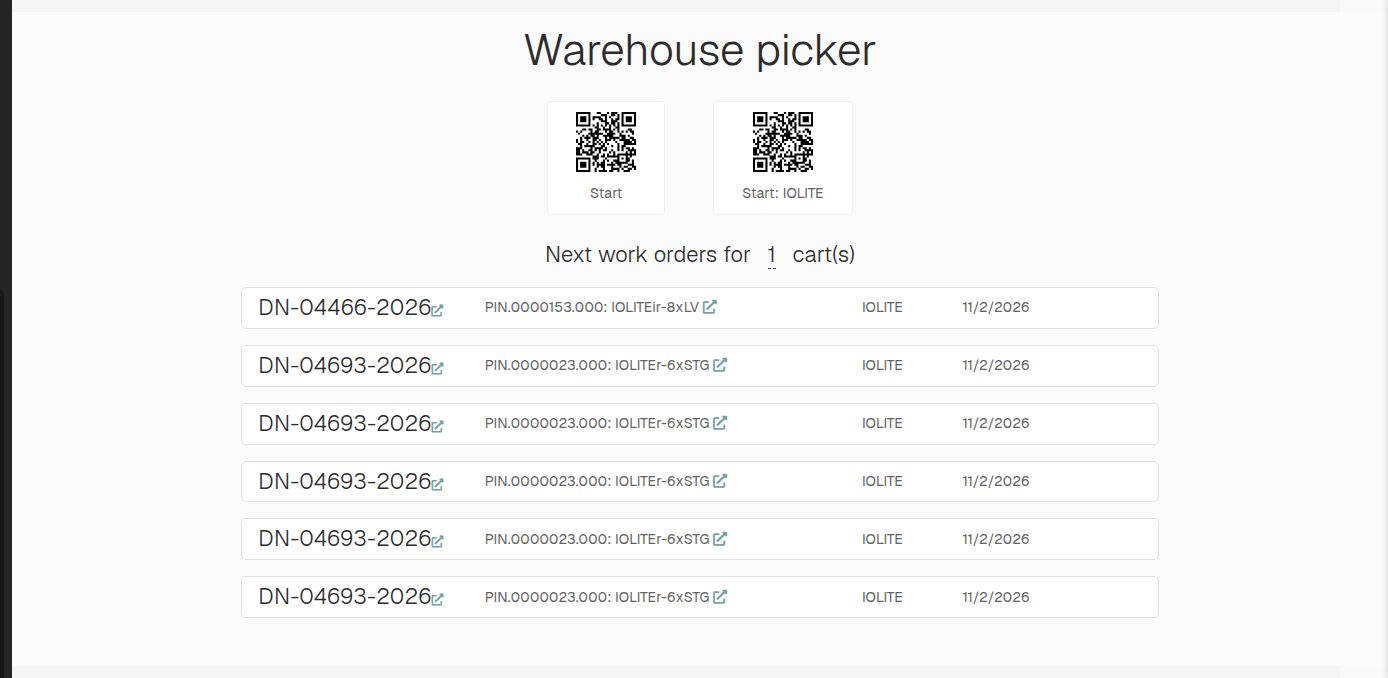 The Picker screen
NOTE
This is a kiosk screen, meant to be used with a barcode scanner rather than a mouse.