Appearance
Runner
A kiosk screen for the runner, who physically delivers and returns AGV carts.
1. Open the Runner
Go to Production > Runner. Scan Start to begin the next runner task — it shows the next technology step and the work orders queued up behind it.
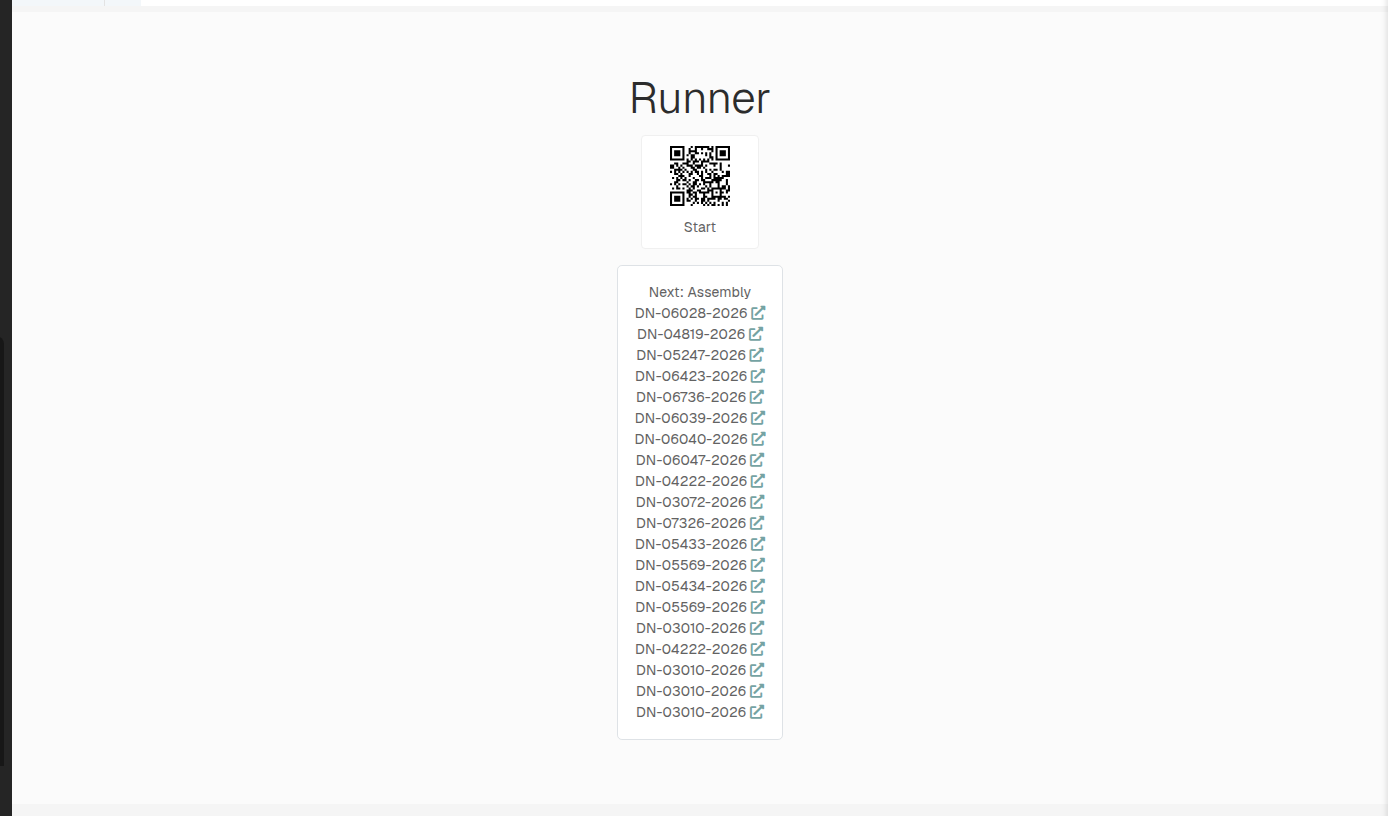 The Runner screen
NOTE
This is a kiosk screen, meant to be used with a barcode scanner rather than a mouse.