Appearance
Document types
Configures numbering, defaults, and ID generation rules for each type of document (e.g. different kinds of invoices or orders).
1. Open Document types
Go to Admin > Document types. Each row configures one document type: its code, numbering (ID generator), and whether it’s the default for its document.
 The Document types toolbar
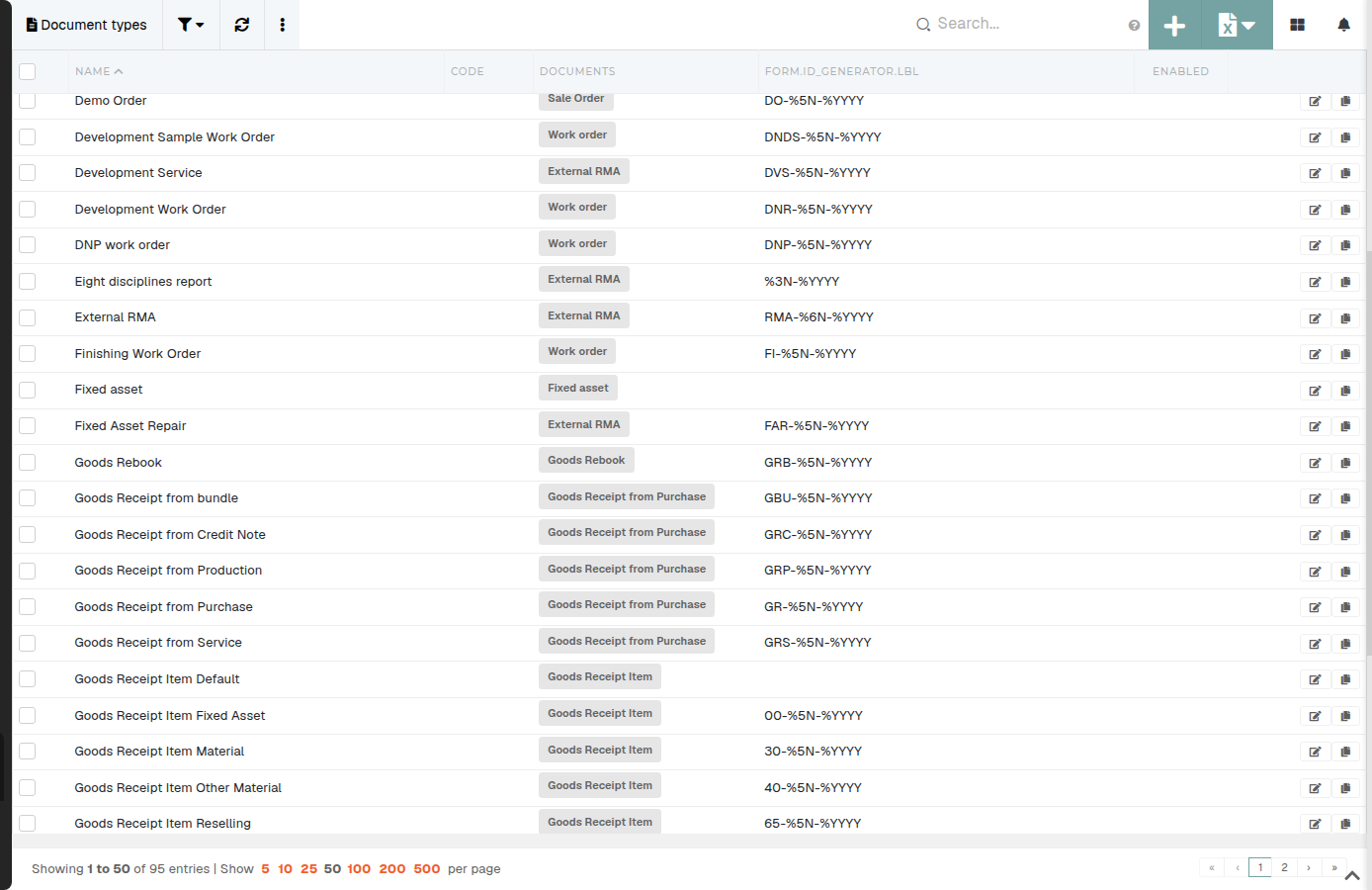 The Document types table
NOTE
Opening a document type reveals an Additional information section with feature toggles for that type — rental, consignment, service, and calibration features, demo pool membership, and whether to exclude it from order statistics.