Appearance
Notes
Notes are comments you can leave on most records, for communicating with other departments about that specific order, product or job.
1. Open the comments
Click the comment icon to open the notes panel for this record.
 The comments icon
2. Write a note
Type your note and press Enter to post it. Notes support Markdown — headers, bold text, lists, links and code blocks.
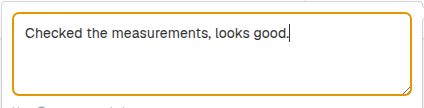 A note being written
NOTE
Notes are private to the ERP by default. On records that support it, you can also post a public note that every user sees, or turn a note into a support ticket.