Appearance
My Tasks
My Tasks, on the dashboard, lists the tasks assigned to you across the ERP.
1. Open My Tasks
On the dashboard, My Tasks lists every task assigned to you, across every order, work order and product it concerns.
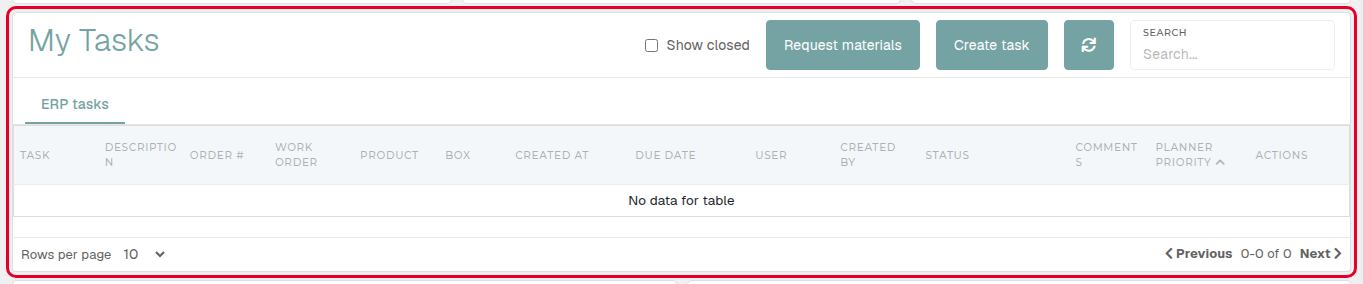 The My Tasks card
2. Use the toolbar
Tick Show closed to include tasks you already completed. Search filters the table by any column. The refresh icon reloads it.
 The My Tasks toolbar
See Create a task for adding a task from here.