Appearance
Update an existing fixed asset
Open a fixed asset to change its data, such as the amount, the depreciation rate, the cost center or the parent inventory number.
1. Open a fixed asset
Go to Fixed assets and click the edit icon next to one.
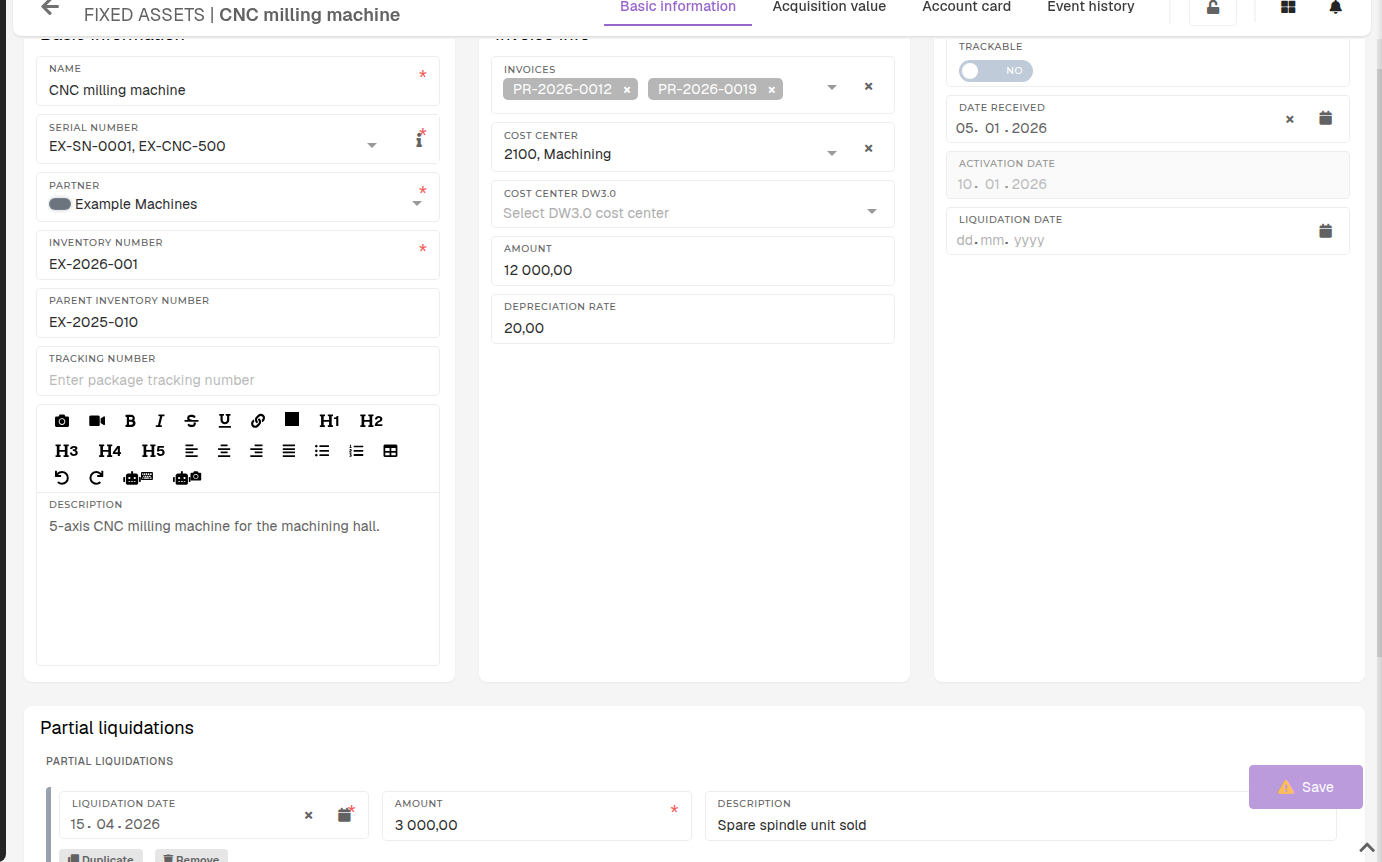 The fixed asset page
2. Edit a field
Change the data you need, then click Save. Amount is the acquisition value that gets depreciated, and Depreciation rate the yearly percentage.
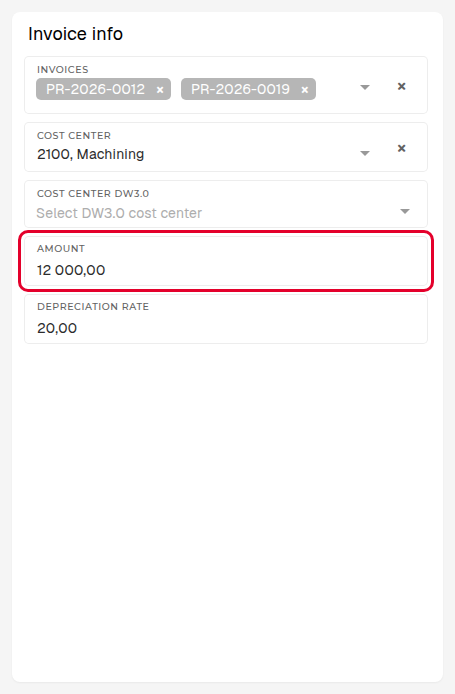 Amount and depreciation rate
WARNING
Changing the Amount or the Depreciation rate of an asset whose postings are already on its account card does not correct those postings — only months that are not posted yet use the new values.
3. Link a part to its main asset
When an asset belongs to a bigger one — a pump that is part of a machine, a machine that is part of a production line — enter the main asset’s inventory number in Parent inventory number.
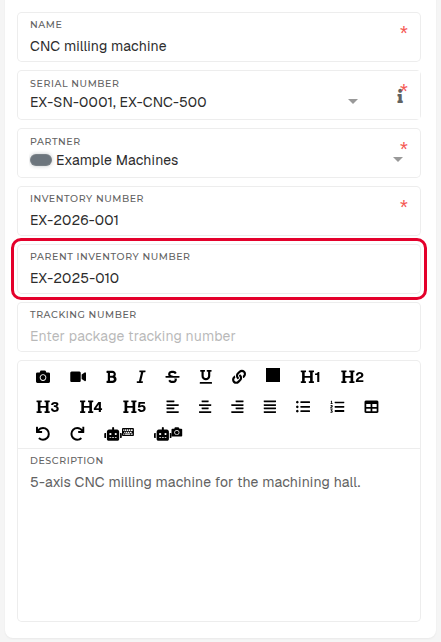 The Parent inventory number field
The main asset then lists this asset as a Child asset in its event history, and the Fixed assets list has a Parent inventory number column you can filter by. It does not change the depreciation of either asset.
NOTE
Activation date can’t be typed in here — it is set with Activate. See Activate fixed assets.