Appearance
Developer tools
A set of maintenance and diagnostic tools for developers and system administrators.
1. Open Developer tools
Go to Developer > Developer tools. The File Uploader tab lets you upload a file directly and get back its stored path.
 The Developer tools toolbar
 The File Uploader tab
2. Copy file manager attachments
The Copy model file manager and Batch copy model file manager tabs copy uploaded attachments from one record to another (or many), useful when duplicating setup between similar records.
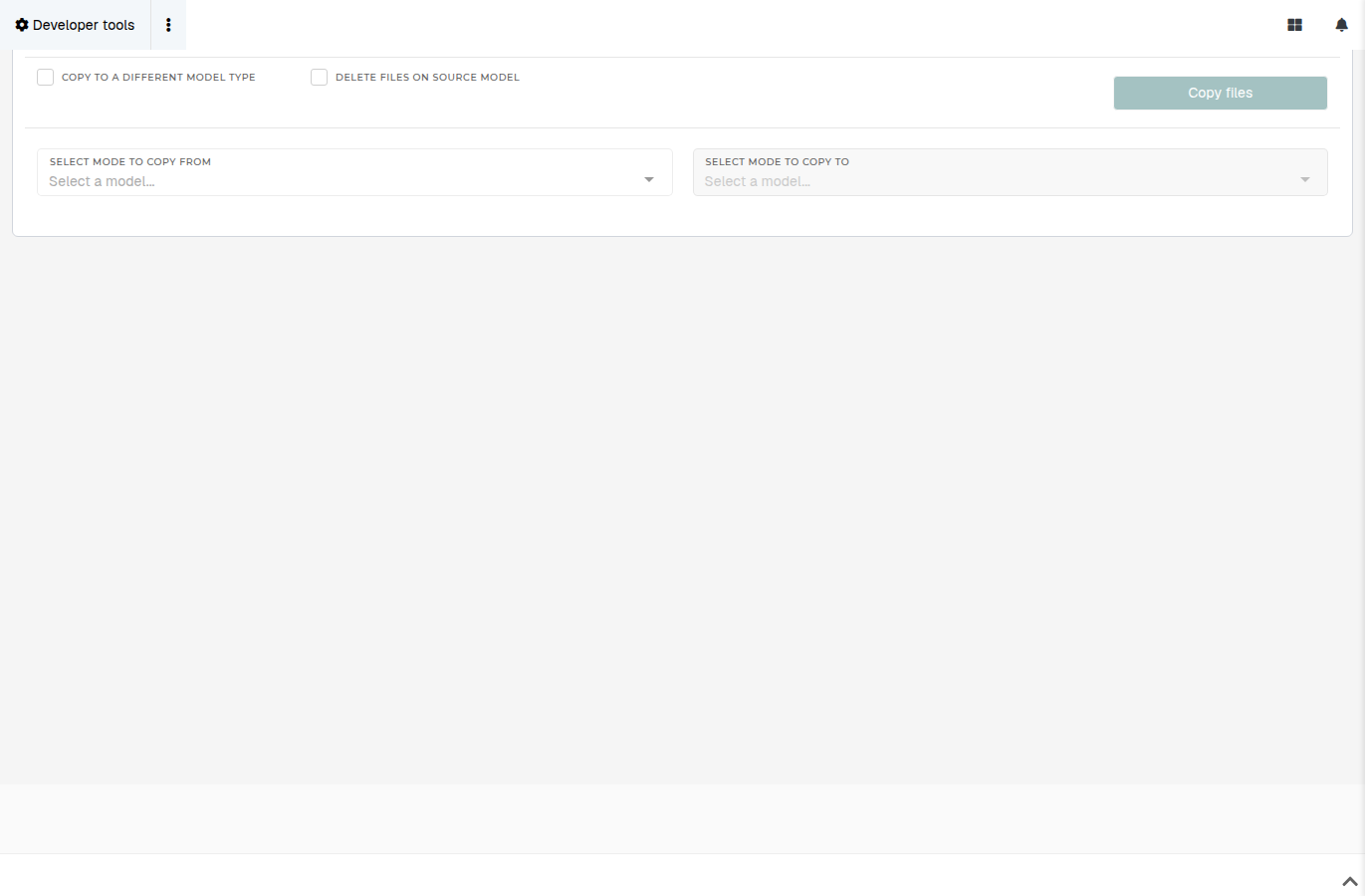 The Copy model file manager tab
3. Sync attendance from Špica
The Spica Sync tab re-runs the attendance event sync from the Špica time-tracking system for a chosen date range, optionally limited to specific employees.
 The Spica Sync tab
NOTE
The employee filter on this tab searches the whole company by name — it isn’t shown open here since it would list real employees.