Appearance
Update an existing product
Open a product to change its information, development status, stock settings and more.
1. Open a product
Go to Products and click the edit icon next to a product, or its SKU.
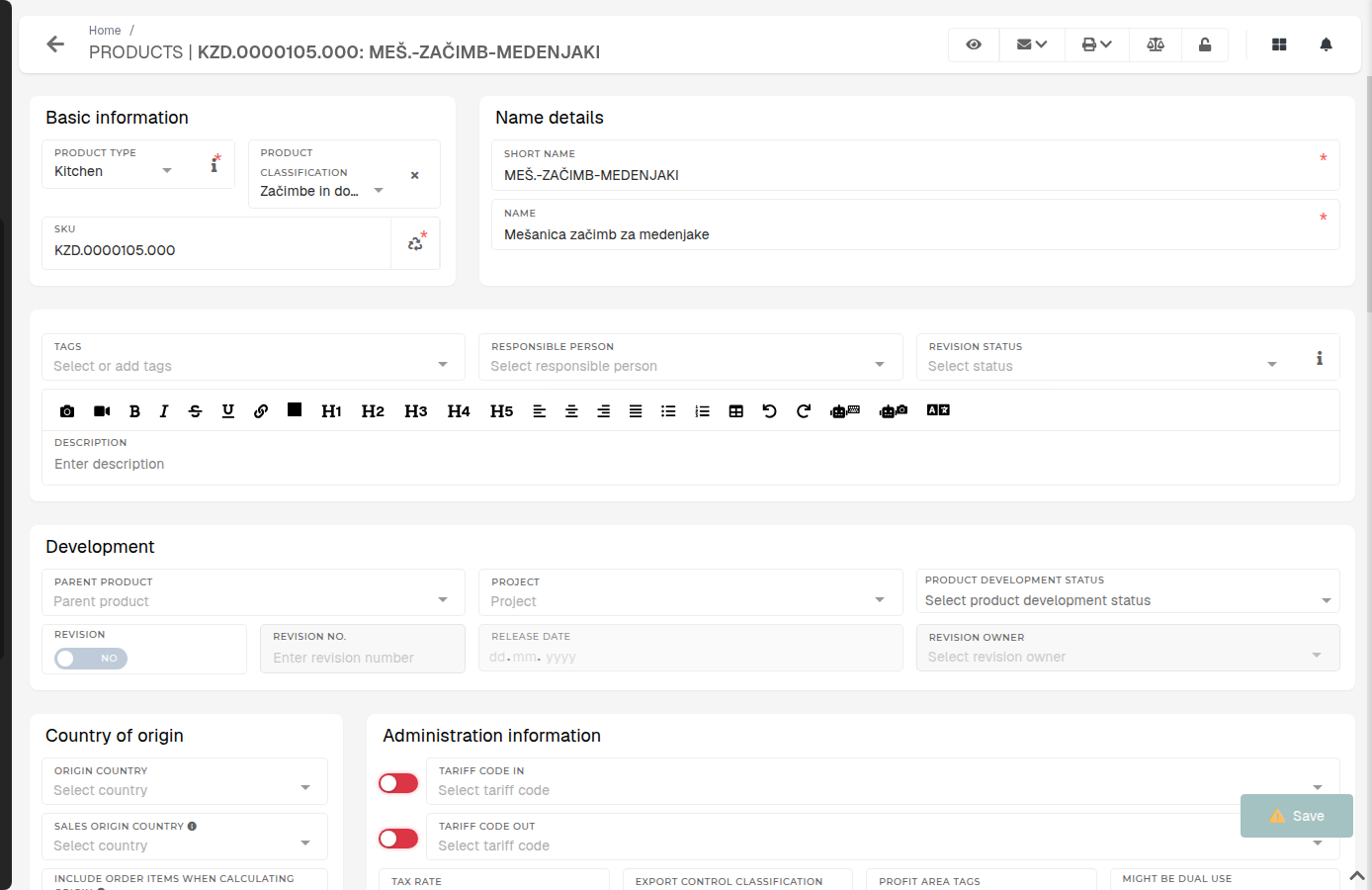 The product page
2. Edit a field
Change any field — for example the Name — then click Save.
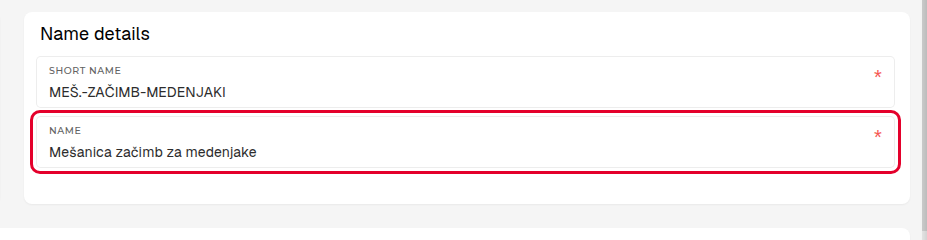 Editing a field
Further down the page, expand Bill of material, Virtual reservations, Stock and the other sections for everything specific to this product.