Appearance
Create a new goods transfer
Create a goods transfer to move stock from one warehouse location to another.
1. Open the new transfer form
Go to Goods transfers and click + in the top bar.
 The Add button on the Goods transfers list
2. Add the items to move
Add the products to transfer, with their quantity and the from and to warehouse locations.
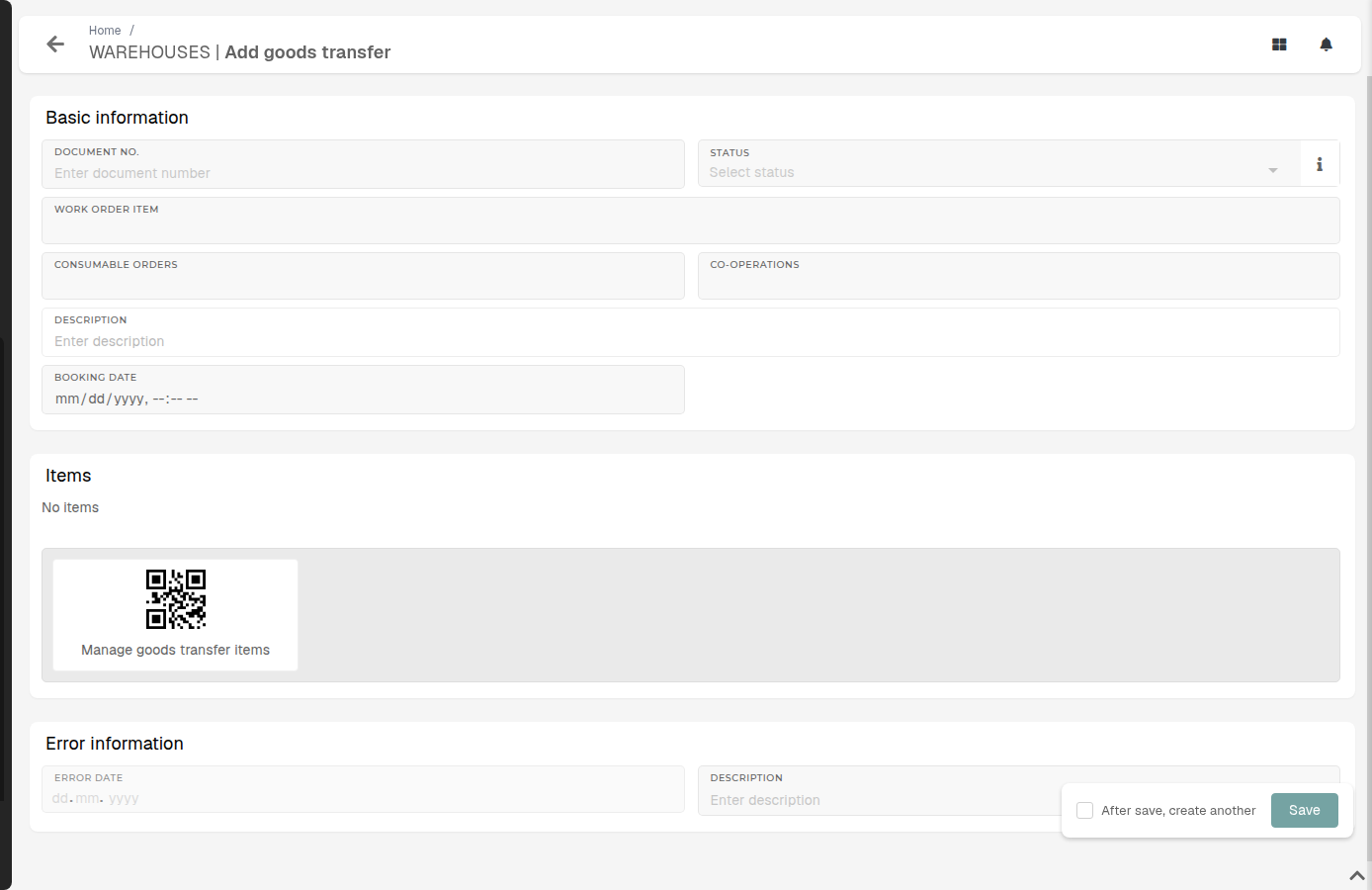 The new goods transfer form