Appearance
Update an existing warehouse
Open a warehouse to change its details, or to check its stock at a glance.
1. Open a warehouse
Go to Warehouses and click the edit icon next to one. The name and description can be changed at any time; think twice before changing the settings toggles, since they affect how the system uses the warehouse.
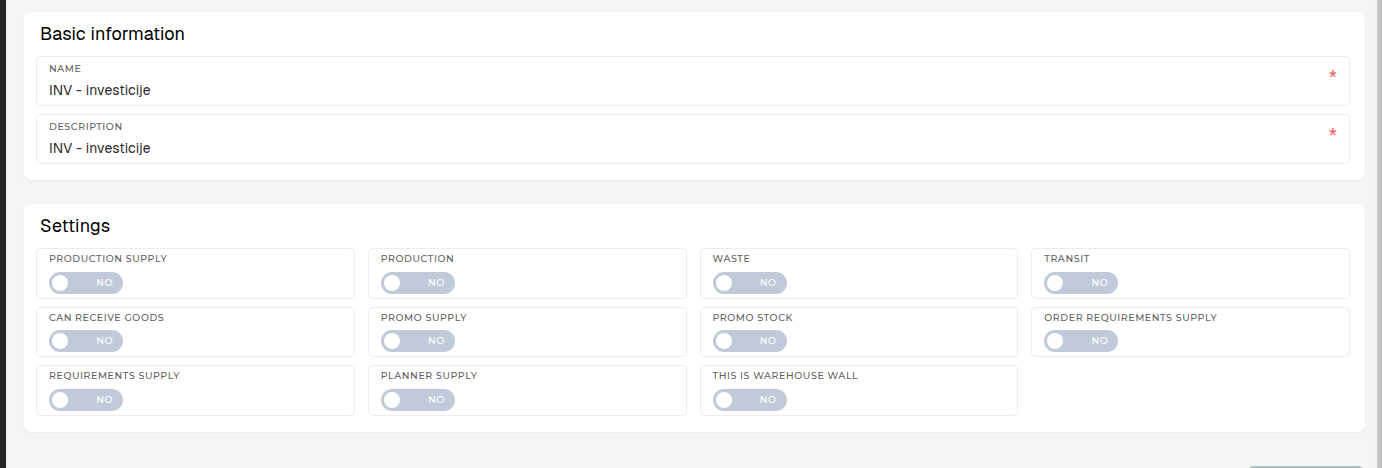 The warehouse page
2. Check its stock
Open the Stock by warehouse locations section for a breakdown of what’s stored where, and the stock transaction history further down for everything that’s moved through it.
 Stock by warehouse locations