Appearance
Update an existing calibration
Open a calibration order to move it through its process — there’s no separate Cancel button here, canceling is just another status.
1. Open a calibration
Go to Calibrations and click the edit icon next to one. Set its status as it moves along — picking Canceled is how you cancel it, since there’s no dedicated Cancel button.
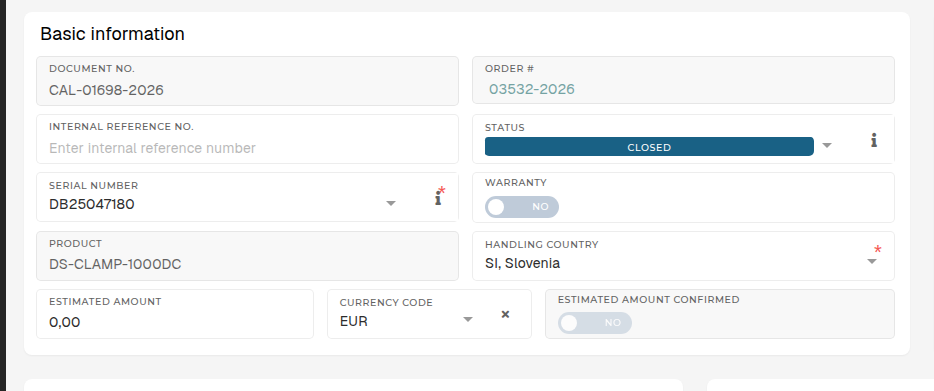 The calibration page
2. Notify the customer, or spin off an RMA
Click Estimated amount notification to ask the customer to confirm the estimated cost. If the product also needs repair, click Create RMA to spawn a linked external service order for it.
 The Create RMA and Estimated amount notification buttons