Appearance
Go To
Go To is a quick-navigation overlay for jumping straight to any page in the ERP, without using the menu.
1. Open Go To
Press Ctrl + K anywhere in the ERP to open Go To.
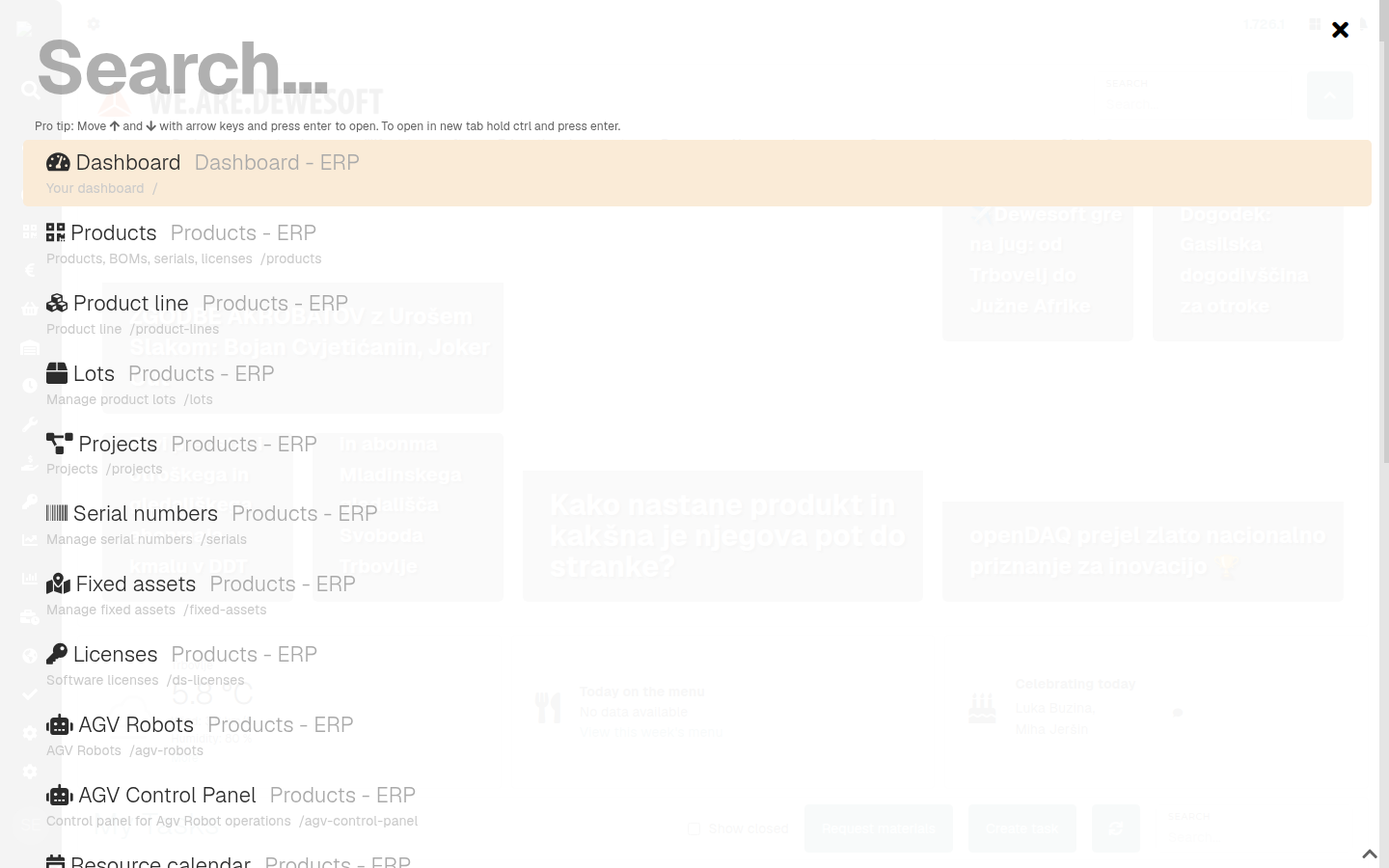 The Go To overlay
2. Jump to a page
Type part of a page or menu name, then click a result (or use the arrow keys and Enter) to go straight there.
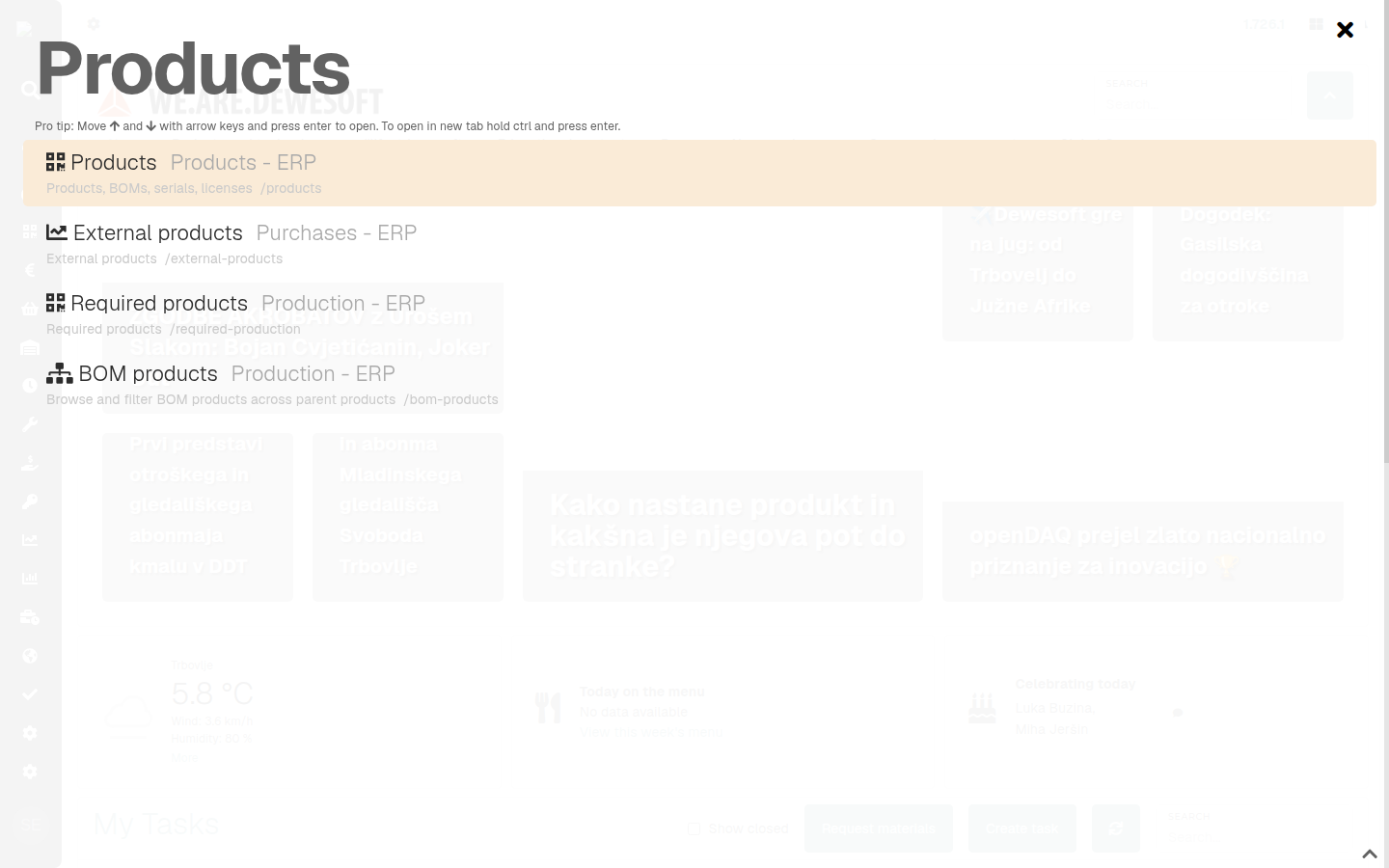 Matching pages for “Products”
TIP
Hold Ctrl and press Enter to open a result in a new tab.