Appearance
Set up rental notifications
Rental orders send two kinds of email: a reminder before the next monthly invoice is due, and a notice before the rental ends. Both are set per country and use the billing country of the order.
1. Open the country
Go to the country, open the Default values tab and scroll to Rental notifications.
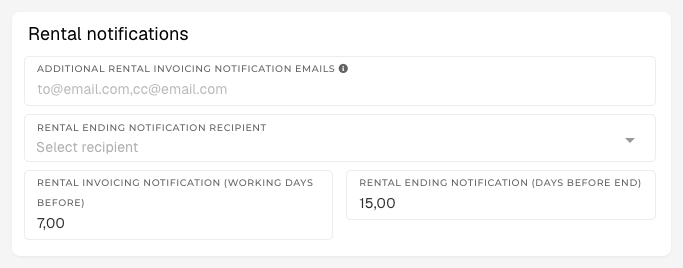 Rental notifications of a country
2. Invoicing reminder
- Rental invoicing notification (working days before) — how many working days before the next rental period starts the reminder is sent. Default: 7.
- Additional rental invoicing notification emails — comma-separated addresses that get the reminder too. The order’s sales person always gets it.
3. Rental ending notice
Pick who is notified in Rental ending notification recipient:
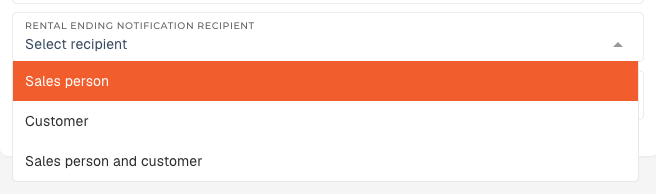 Rental ending notification recipient
- Sales person — the order’s sales person gets an internal notice and can send the customer a reminder.
- Customer — the order’s contact person gets the reminder; it is logged in the order’s Activity timeline.
- Sales person and customer — both.
Rental ending notification (days before end) sets how many days before Rented to the notice is sent. Default: 15. Each order gets it only once. With no recipient selected, no ending notice is sent.
NOTE
The emails are sent by daily scheduled jobs, for open rental orders created from rental quotes. Rental orders from the web shop are not affected.