Appearance
Stock Service Internal
Tracks products and serials consumed or inspected during an internal service job, and whether they came back faulty.
1. Open Stock Service Internal
Go to Service > Stock Service Internal. Each row links a product/serial to the internal service job it was used or inspected on.
 The Stock Service Internal toolbar
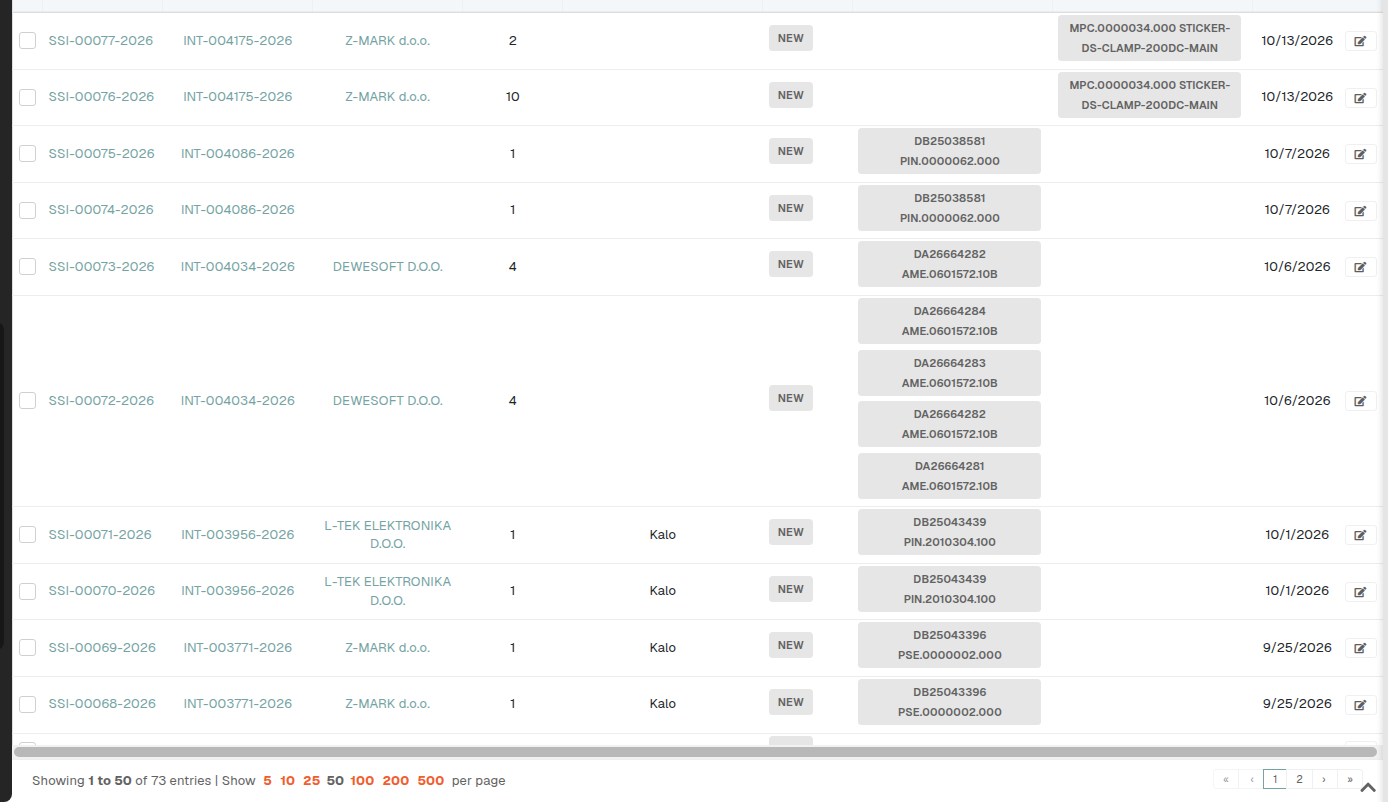 The Stock Service Internal table
2. Open an entry
Click a row to see the linked internal service, goods receipt, and resolution.
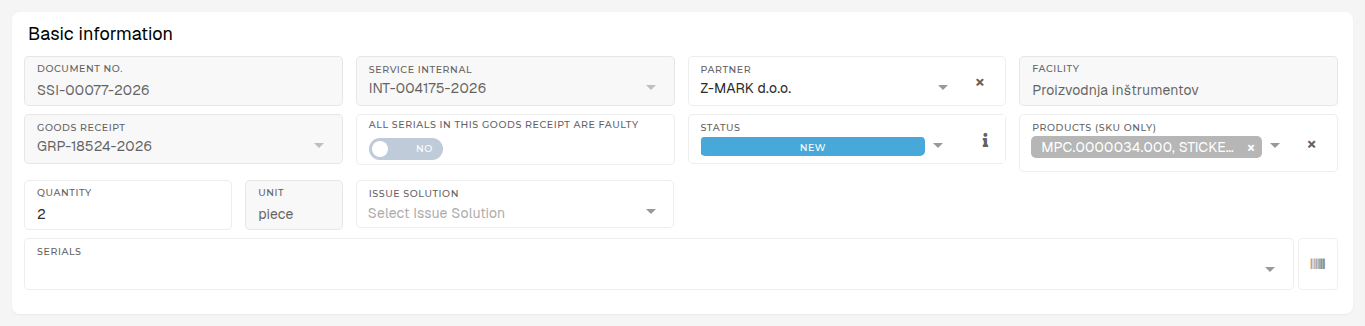 A Stock Service Internal entry
Click Print in the toolbar to print the entry — it warns first if the serial count doesn’t match the recorded quantity.