Appearance
Approving the month
Once a past month’s attendance has been handled, a lead or approver locks it in from Workflow approvals — per coworker, or for everyone at once.
1. Open a past month
On the team calendar, click Previous until the month shown is in the past. An extra column appears on the right for approving each coworker’s month.
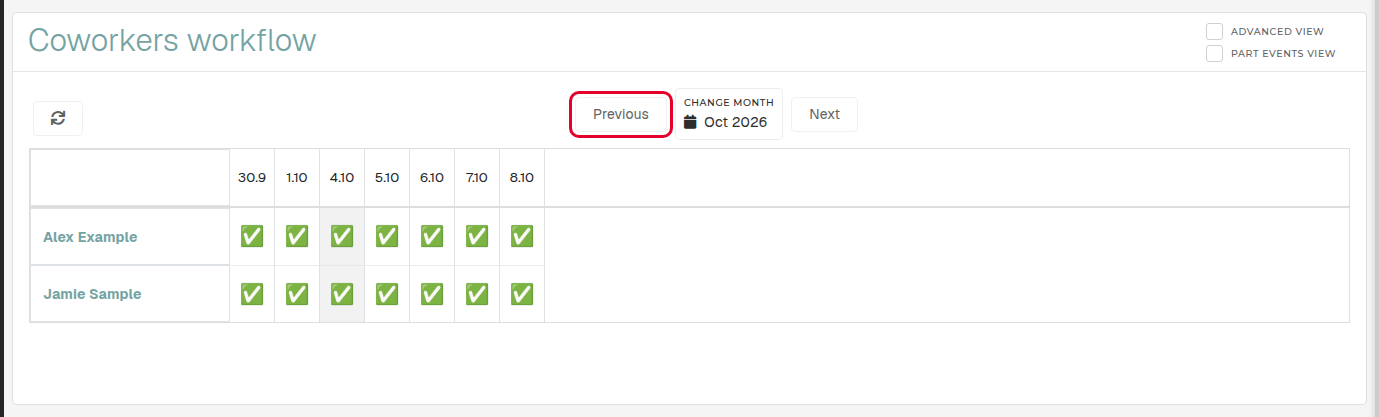 The Previous month control
2. Read the month column
A coworker whose month is already approved shows Approved — hover it for who approved it and when.
Otherwise, an enabled Approve button means every event that month has been handled; it stays disabled, with a tooltip explaining why, until it has.
 An already-approved month
TIP
Approve all, at the top of the column, approves every coworker whose month is ready in one go.
 The Approve all button
3. Approve a coworker’s month
Click Approve on their row.
 The Approve button for one coworker
 The month once approved