Appearance
Update an attendance event type
Rename an attendance event type, or change any of its behavior toggles. See Create a new attendance event type for what each field means.
1. Open an attendance event type
Go to Attendance event types and click the edit icon next to an event type.
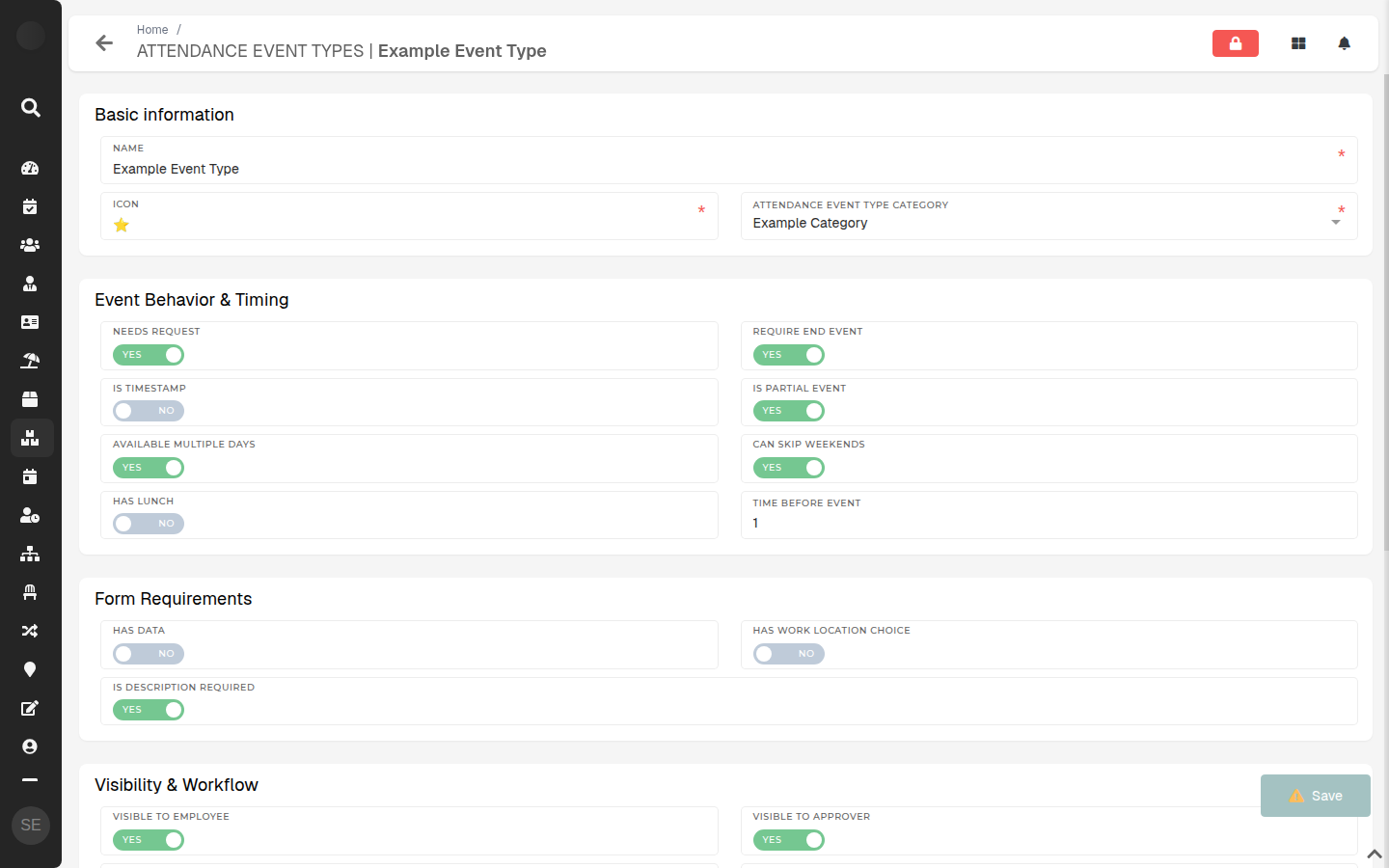 The attendance event type page
2. Rename it
Update Name, then click Save.
 Renaming the event type
3. Adjust a behavior toggle
Every toggle under Event Behavior & Timing, Form Requirements, Visibility & Workflow, Calculations & Balances and External service sync can be switched on or off here at any time — for example, turn off Needs request if the event should be recorded without an approval step.
 Turning off Needs request
4. Save your changes
Click Save.
 The Save button