Appearance
Lunch info report
Lunch info exports who had lunch — for a single month, or for a whole year.
1. Open Lunch info
Go to HR > HR reporting, then select the Lunch info tab.
 The HR reporting tabs
2. Generate a lunch export
Click Generate lunch export for month 🍔 for the selected month, or Generate lunch export for year 🍔 for the whole selected year — both date fields default to today. The file opens in a new tab once it is ready.
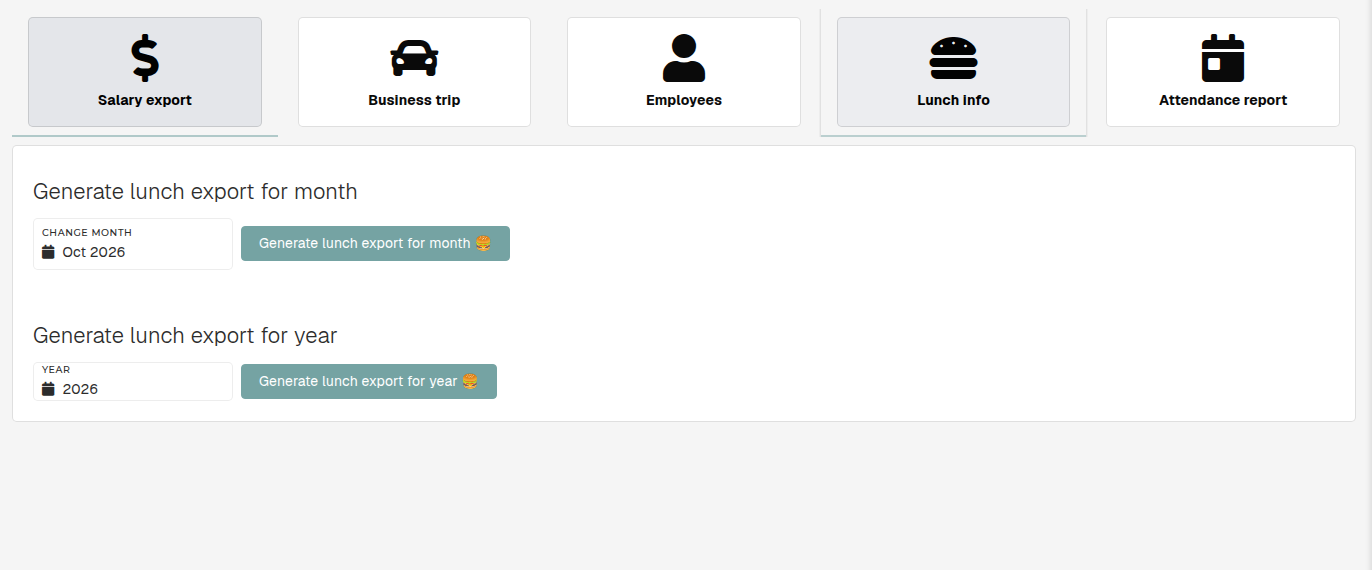 The Lunch info tab