Appearance
Generate a vacation contract
Generate the document confirming an employee’s updated annual leave balance, straight from their HR profile.
1. Open the Contracts section
Go to User HR profiles, open an employee, and scroll down to Contracts.
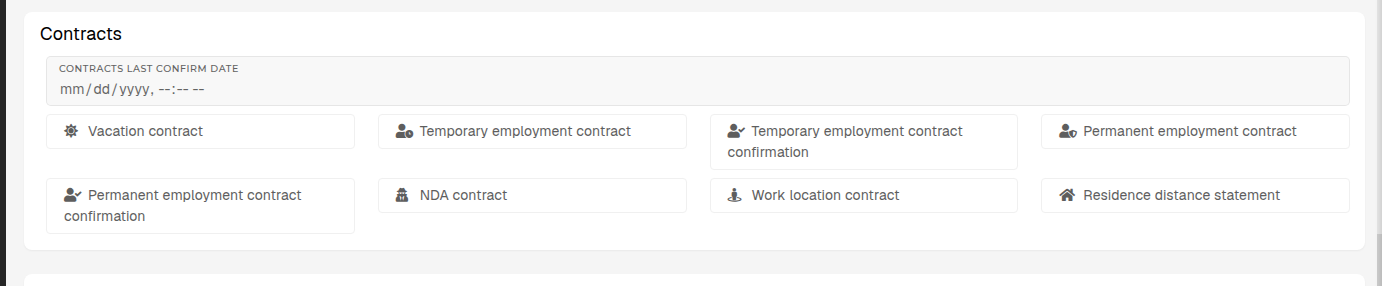 The Contracts section
2. Click Vacation contract
Click Vacation contract.
 The Vacation contract button
3. Confirm
Click Confirm.
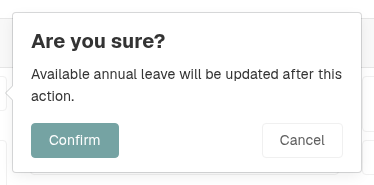 The confirmation dialog
 The success message
NOTE
This requires the “Update user HR profile” permission.
A vacation contract is also generated automatically for every active employee on January 1st each year, via a scheduled job.