Appearance
Create a new reward or bonus
A reward or bonus is a cash payment given to one employee for a specific month — for example a performance bonus or a one-off reward. Create one to record a new payment.
1. Open the Rewards and bonuses page
Go to HR > Rewards & bonuses and click + in the top bar.
 The Add button on the Rewards and bonuses page
2. Pick the User
Under Basic information, pick the User this reward or bonus is for. Required.
 Picking the User
3. Set the Reward for month
Fill in Reward for month — the month this reward or bonus applies to.
 The Reward for month field
4. Enter the Reward and Currency code
Fill in Reward — the amount — and pick its Currency code. Both required.
 Reward and Currency code
5. Add a description
Fill in Description — what the reward or bonus is for. Optional.
 The Description field
6. Save the reward or bonus
Click Save. The new reward or bonus opens on its own page.
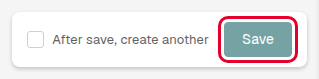 The Save button
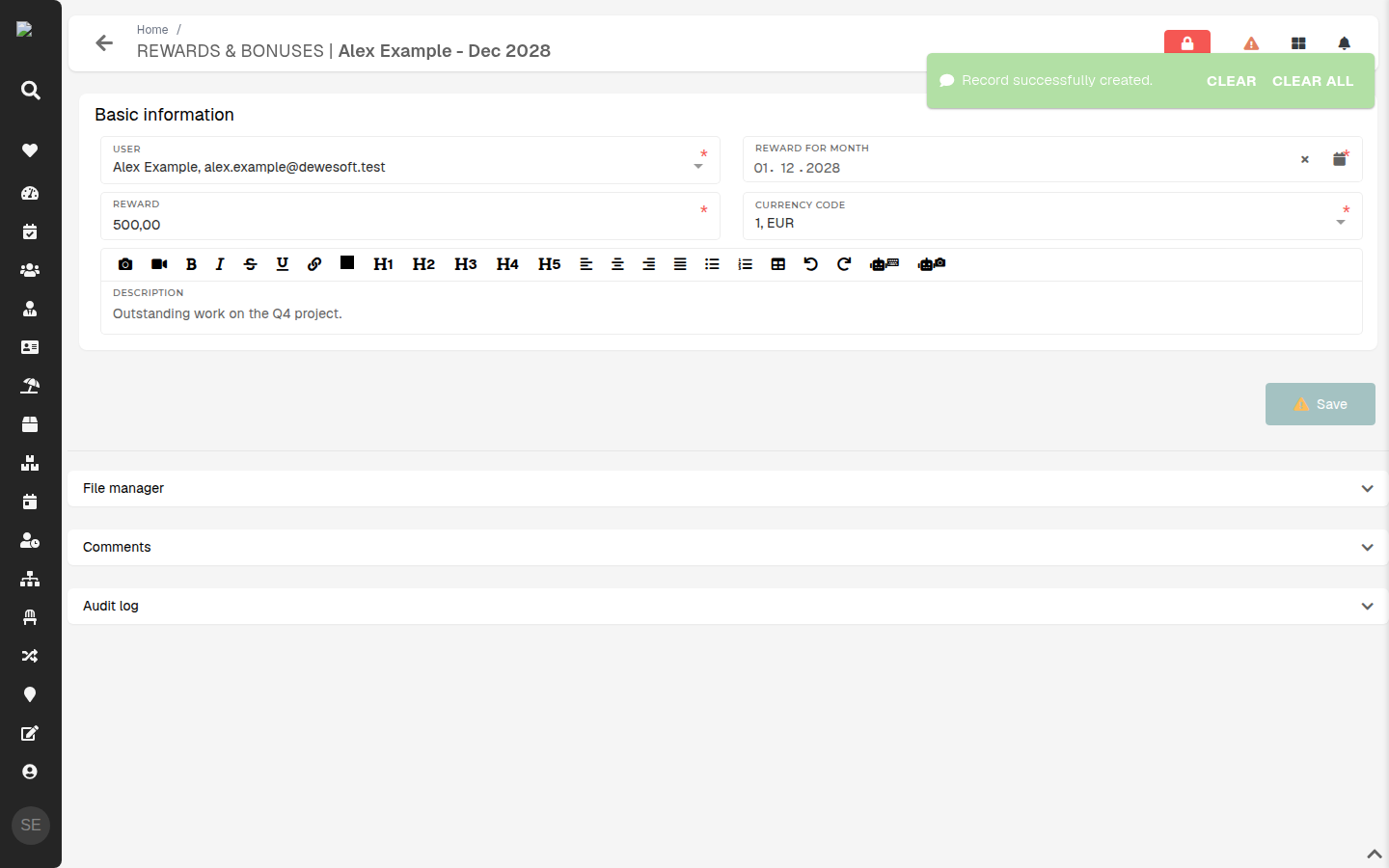 The new reward or bonus