Appearance
Update a work equipment item
Change a work equipment item’s name, its validity period and restore interval, and its safety standards.
1. Open an item
Go to Work equipment and click the edit icon next to an item.
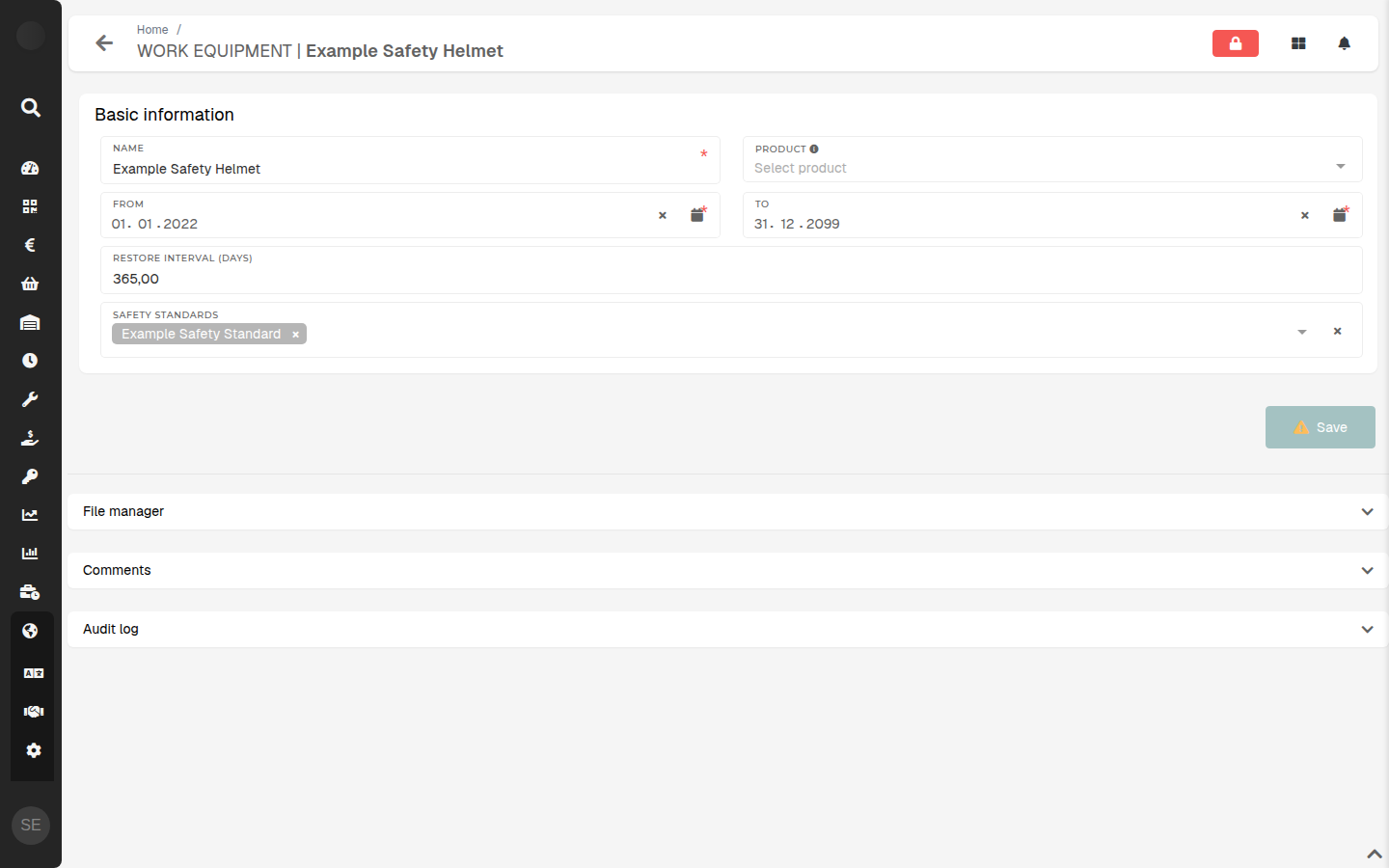 The work equipment page
2. Edit the basic information
Change Name, From, To or Restore interval (days), then click Save.
 Editing the basic information
NOTE
Product links one or more product SKUs this equipment corresponds to — leave it blank if the equipment isn’t sold or tracked as a product.
3. Change the safety standards
Under Safety standards, pick or remove the standards this equipment belongs to.
 The Safety standards field
4. Save your changes
Click Save.
 The Save button