Appearance
HR hierarchy
HR hierarchy draws an organization chart of the whole company — every HR department nested under its parent, with each department’s people one hover away.
1. Open HR hierarchy
Go to HR > HR hierarchy to see every department in the company, nested under its parent, down to the root department at the top.
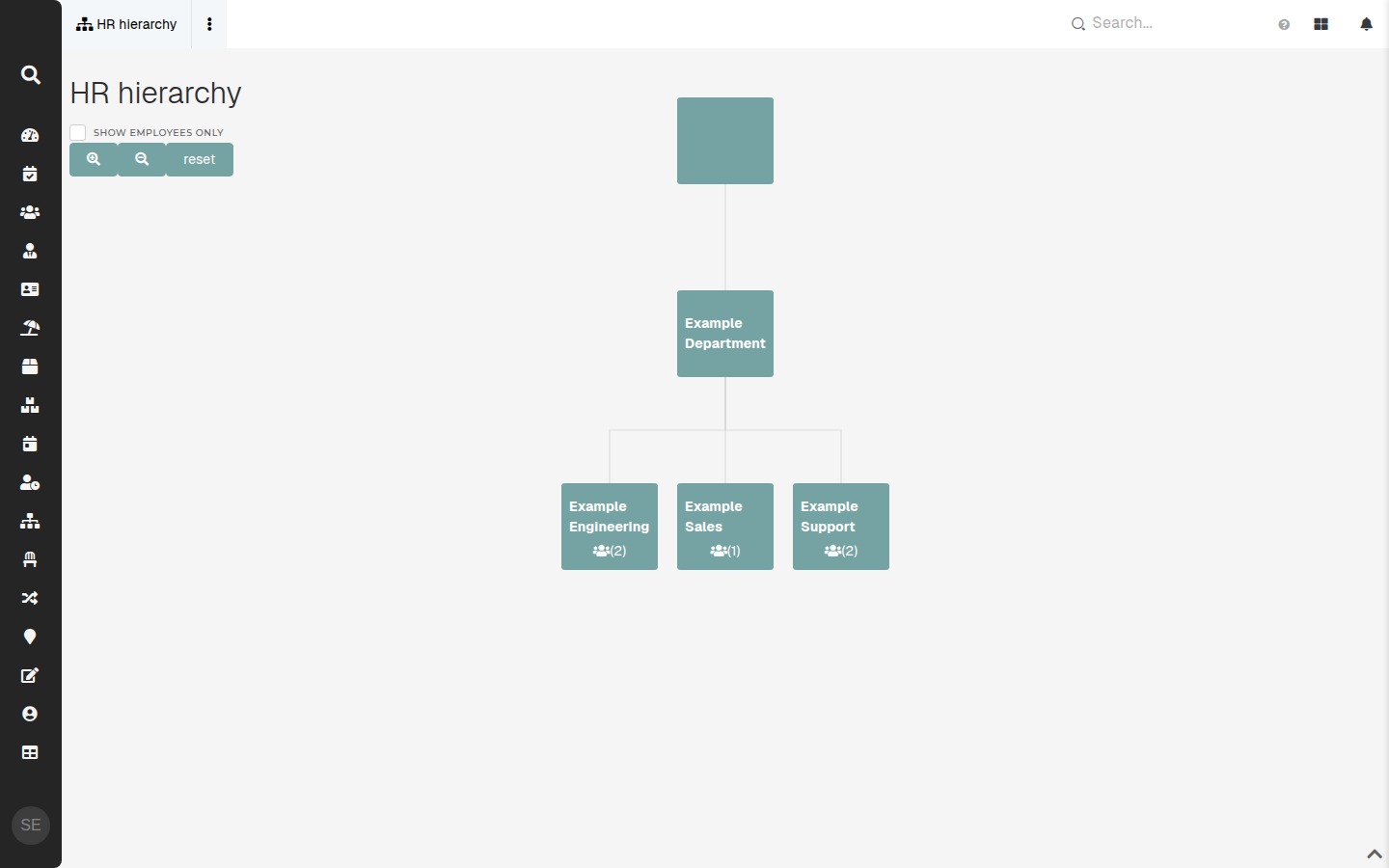 The HR department tree
2. See a department’s people
Hover the people icon on a department to see everyone assigned to it.
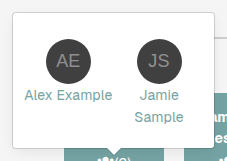 A department’s people
3. Show employees only
Enable Show employees only to limit every department to people with the employee role — here, Example Engineering drops from two people to one.
 Example Engineering after enabling Show employees only
4. Zoom and pan
Use the magnifying-glass icons to zoom in or out, click reset to return to the default view, and drag the chart to pan around a large tree.
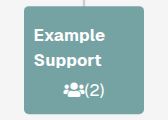 A department node zoomed in