Appearance
Work equipment
Work equipment is the catalog of physical items — safety gear and the like — that can be issued to an employee through their work position.
1. Open Work equipment
Go to ERP > Code lists > Work equipment. The table lists every equipment item in the catalog.
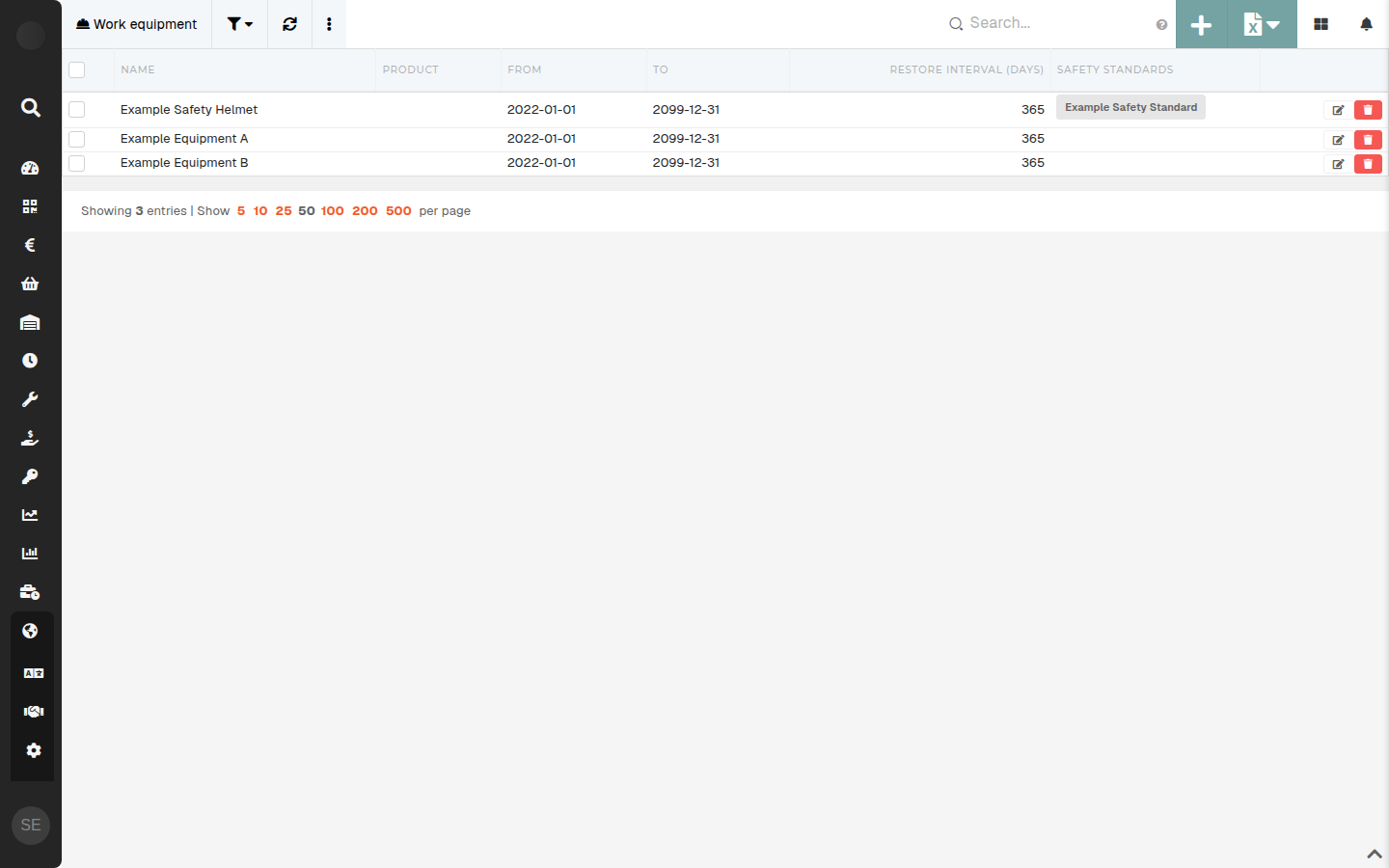 The Work equipment list
2. Read the columns
By default the table shows:
- Name — the equipment’s name.
- Product — the product SKU(s) this equipment corresponds to, if any.
- From / To — the date range the equipment is valid for.
- Restore interval (days) — how many days until the equipment needs to be reissued.
- Safety standards — which safety standards the equipment belongs to.
Click the funnel icon in the top bar to show or hide columns and to filter the list.
3. Use the row actions
Each row has an edit icon to open the equipment item, and a trash icon to delete it.
 The row actions
See Create a new work equipment item and Delete a work equipment item for those flows, and Update a work equipment item for everything on the item’s own page.