Appearance
Create a work position
A work position defines an employee’s role: its title, the extra leave it grants, and — once saved — its HR department, work equipment and authorizations. Create one to add a new role to the catalog.
1. Open the Work positions page
Go to HR > Work positions and click + in the top bar.
 The Add button on the Work positions page
2. Fill in the basic details
Under Basic information, fill in Work position, Work position international title and Leave bonus (extra vacation days this position grants). All three are required.
 Work position, international title and leave bonus
3. Review the optional fields
Parent work position nests this position under another one — leave it blank if it doesn’t have one. Is parent marks this position so it can be picked as another position’s Parent work position. Mars code is an internal reference code.
 Parent work position, Is parent and Mars code
NOTE
Hr departments assigns which department(s) this position belongs to, over time — see Update a work position for managing those assignments. A position needs at least one HR department link before it can be given to an employee.
4. Save the position
Click Save. The new position opens on its own page.
 The Save button
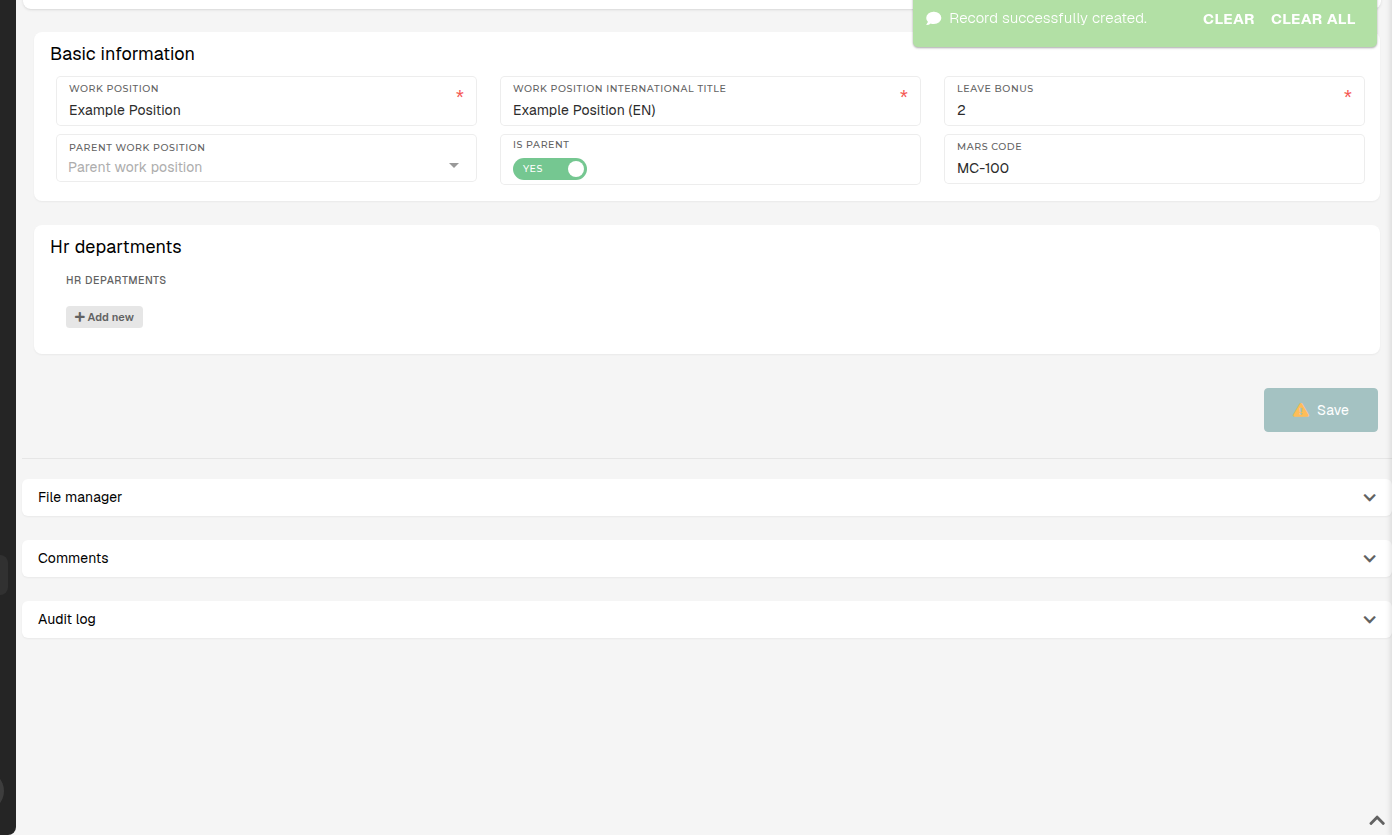 The new work position