Appearance
Update an HR department
Change a department’s name, lead, parent or cost center, and manage who substitutes for its approver while they are away.
1. Open a department
Go to HR departments and click the edit icon next to a department.
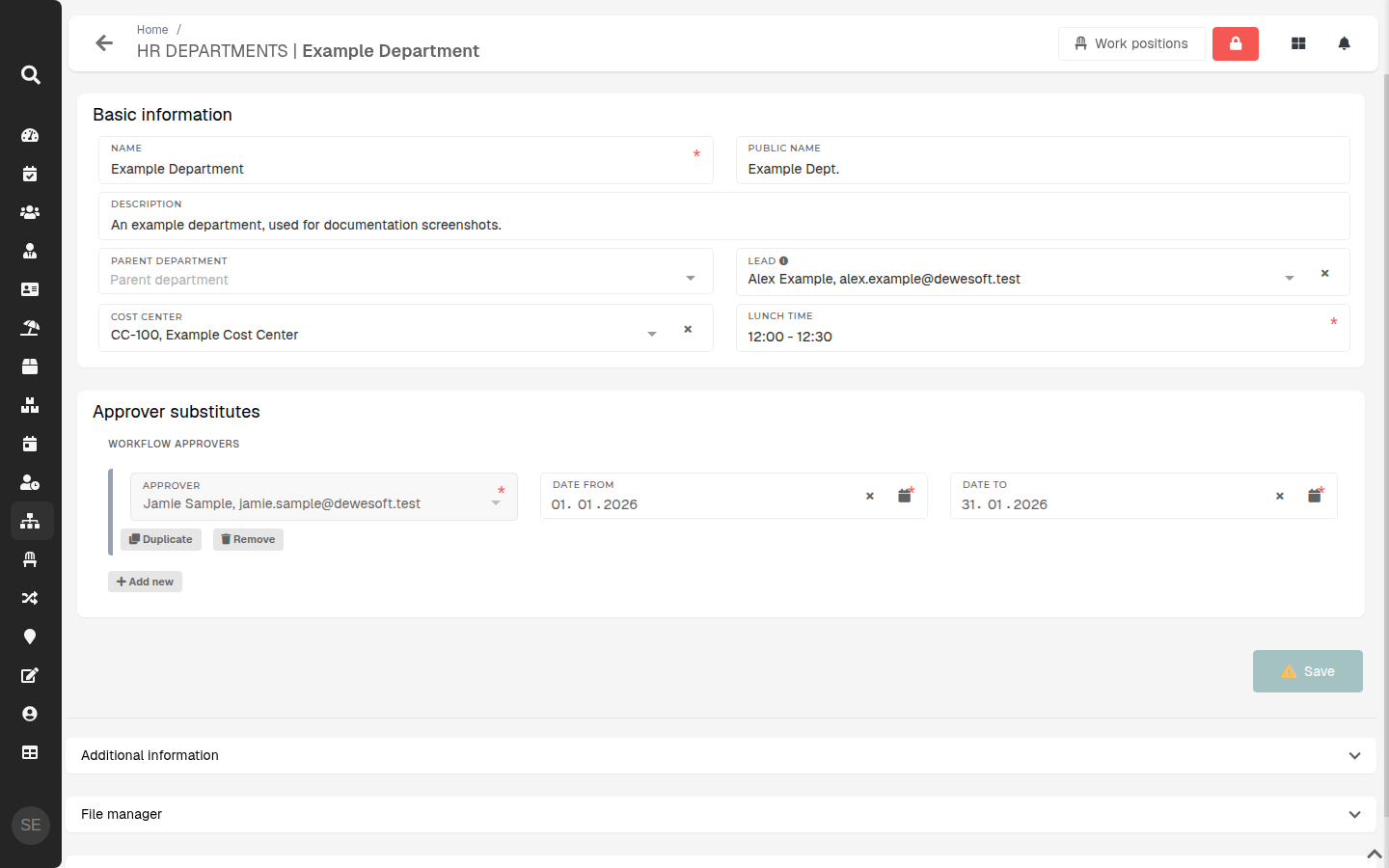 The HR department page
2. Edit the basic information
Change any field under Basic information — for example Public name — then click Save.
 Editing Public name
3. Review the Parent department, Lead and Cost center
Parent department nests this department under another one. Lead is the employee who runs it. Cost center is the cost center this department books expenses to.
 Parent department and Lead
 Cost center and Lunch time
4. Manage approver substitutes
The Approver substitutes section lists who approves this department’s workflow requests while its usual approver is away, with a Date from/Date to range for each. Click Add new for another substitute, or Remove on a row to delete it.
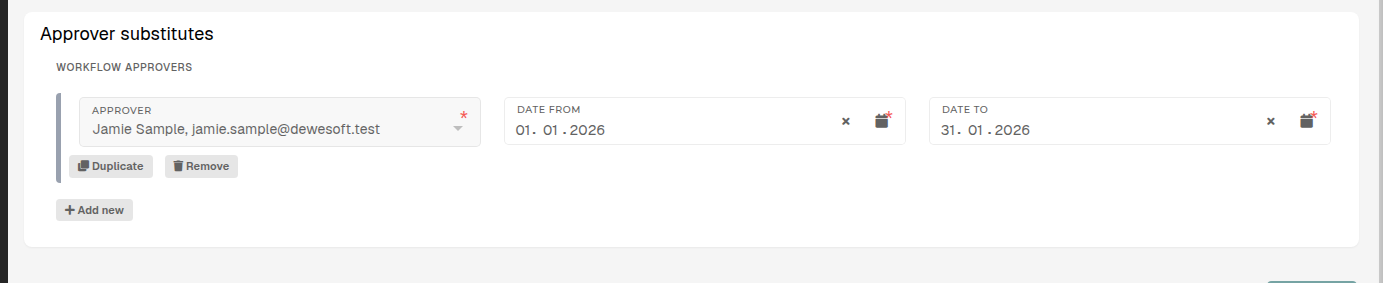 The Approver substitutes section
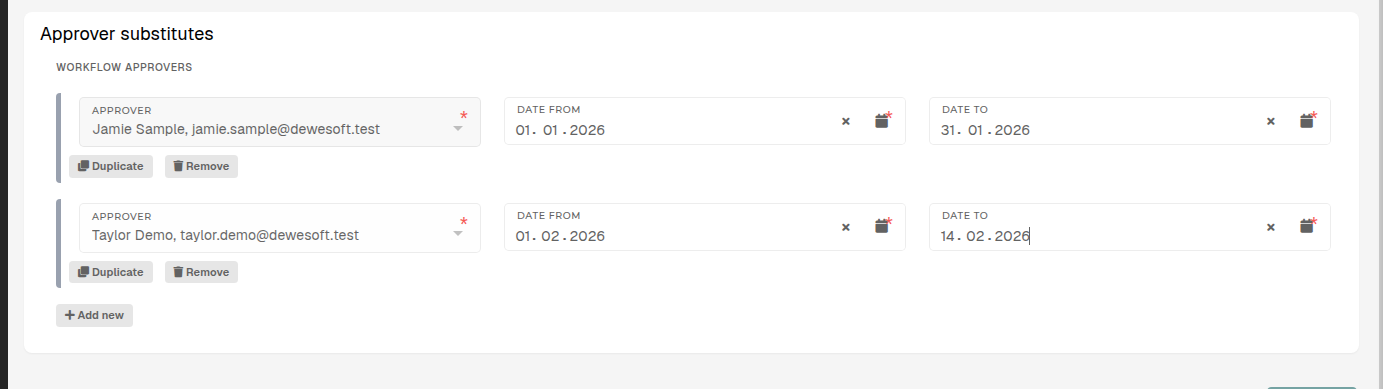 Adding an approver substitute
5. Save your changes
Click Save.
 The Save button