Appearance
Create an HR department
An HR department groups employees under a lead, with its own cost center and approver substitutes. Create one to add it to the company’s org chart.
1. Open the HR departments page
Go to HR > HR departments and click + in the top bar.
 The Add button on the HR departments page
2. Name the department
Under Basic information, fill in Name. Required. Public name is an optional, friendlier name shown elsewhere in the app.
 Name and Public name
3. Add a description
Fill in Description. Optional.
 The Description field
4. Pick the Parent department and Lead
Parent department nests this department under another one — leave it blank for a top-level department. Lead is the employee who runs the department.
 Parent department and Lead
5. Set the cost center and lunch time
Cost center is optional. Lunch time is required.
 Cost center and Lunch time
NOTE
Approver substitutes only appear once the department has been saved — see Update an HR department.
6. Save the department
Click Save. The new department opens on its own page.
 The Save button
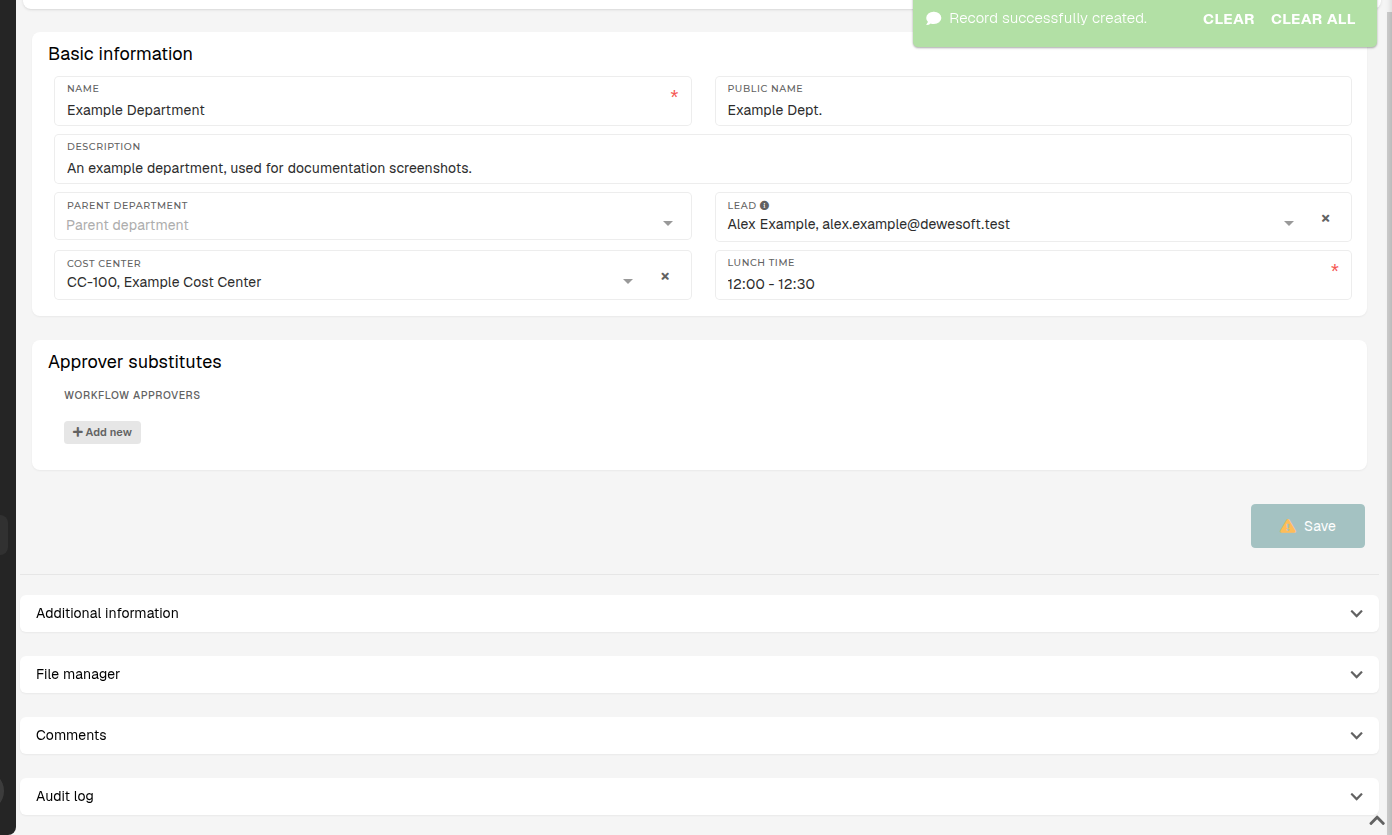 The new HR department