Appearance
Update an attendance event
Change an attendance event’s value, date, or whether it still counts. See Create a new attendance event for what each field means.
1. Open an attendance event
Go to Attendance events and click the edit icon next to an event.
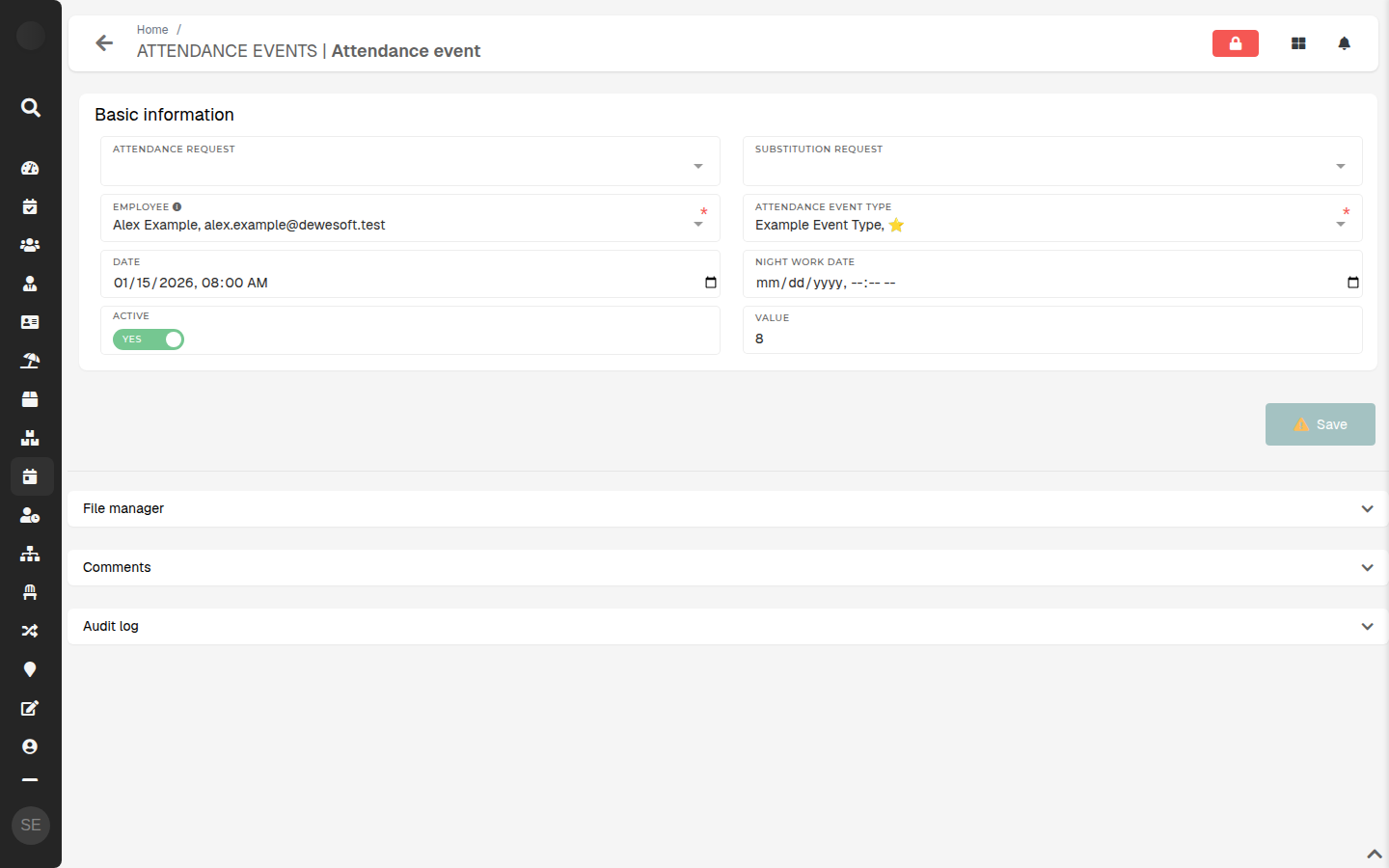 The attendance event page
2. Update the value
Change Value, then click Save.
 Editing Value
3. Turn off Active
Turn Active off if the event should no longer count — for example when it was recorded by mistake, but shouldn’t be deleted.
 Turning off Active
4. Save your changes
Click Save.
 The Save button