Appearance
Update a reward or bonus
Change a reward or bonus’s amount, currency, month or the employee it belongs to, while its month hasn’t passed yet. See Create a new reward or bonus for what each field means.
1. Open a reward or bonus
Go to Rewards & bonuses and click the edit icon next to a reward or bonus.
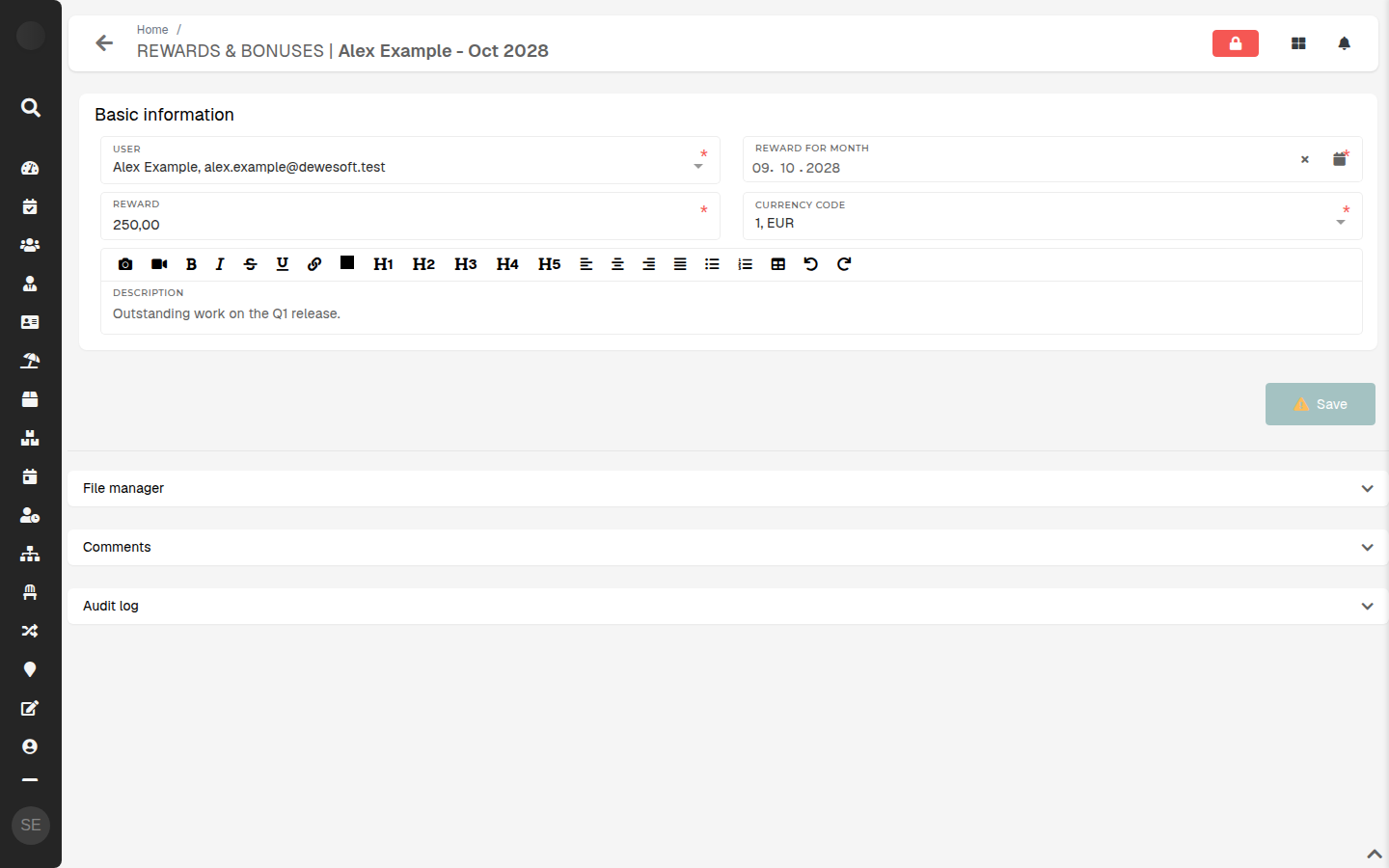 The reward or bonus page
NOTE
User, Reward for month, Reward and Currency code can only be changed while the reward or bonus’s month hasn’t passed yet. Once it has, the row shows a clock icon and these fields become read-only.
2. Update the Reward
Change Reward, then click Save.
 Editing Reward
3. Change the Reward for month
Change Reward for month if the reward or bonus should apply to a different month.
 Editing Reward for month
4. Save your changes
Click Save.
 The Save button