Appearance
Delete a reward or bonus
Remove a reward or bonus that was created by mistake or is no longer needed.
1. Select the reward or bonus
Go to Rewards & bonuses and check the box on the left of its row. This list has no per-row delete icon — deleting goes through the selection above.
 Selecting the reward’s row
2. Click Delete selected
Once at least one row is selected, a Delete selected button appears in the top bar.
 The Delete selected button
3. Confirm the deletion
Click Confirm. This cannot be undone from this dialog.
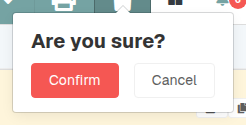 The delete confirmation
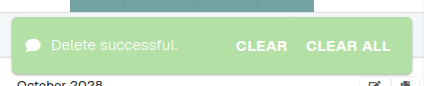 The delete confirmation message
NOTE
Only users with permission to delete rewards and bonuses see the Delete selected button.