Appearance
Create a new work equipment item
A work equipment item is a catalog entry — safety gear and the like — that can later be issued to an employee through their work position. Create one to add it to the catalog.
1. Open the Work equipment page
Go to ERP > Code lists > Work equipment and click + in the top bar.
 The Add button on the Work equipment page
2. Name the equipment
Fill in Name. Required.
 Name
NOTE
Product links one or more product SKUs this equipment corresponds to — leave it blank if the equipment isn’t sold or tracked as a product.
3. Set the validity period and restore interval
Fill in From and To — both required. Restore interval (days) is how many days until the equipment needs to be reissued to the employee.
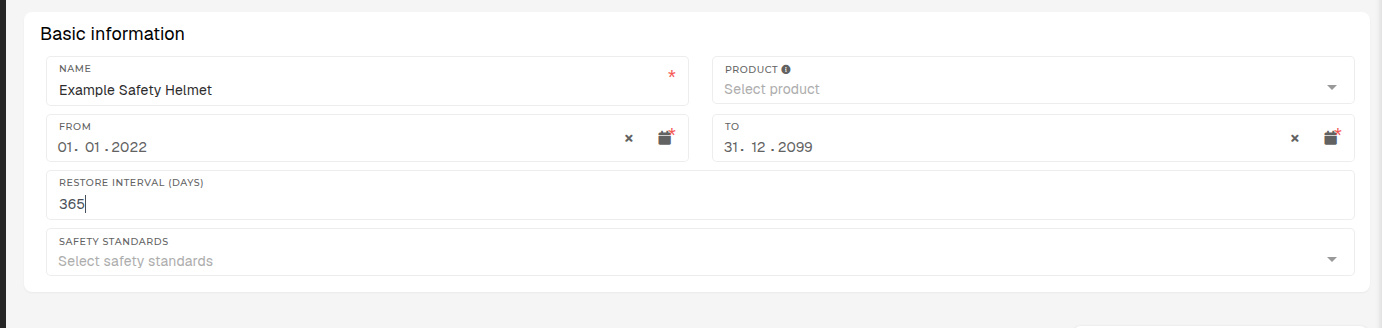 From, To and Restore interval
4. Pick the safety standards
Under Safety standards, pick one or more standards this equipment belongs to.
 Safety standards
5. Save the item
Click Save. The new item opens on its own page.
 The Save button
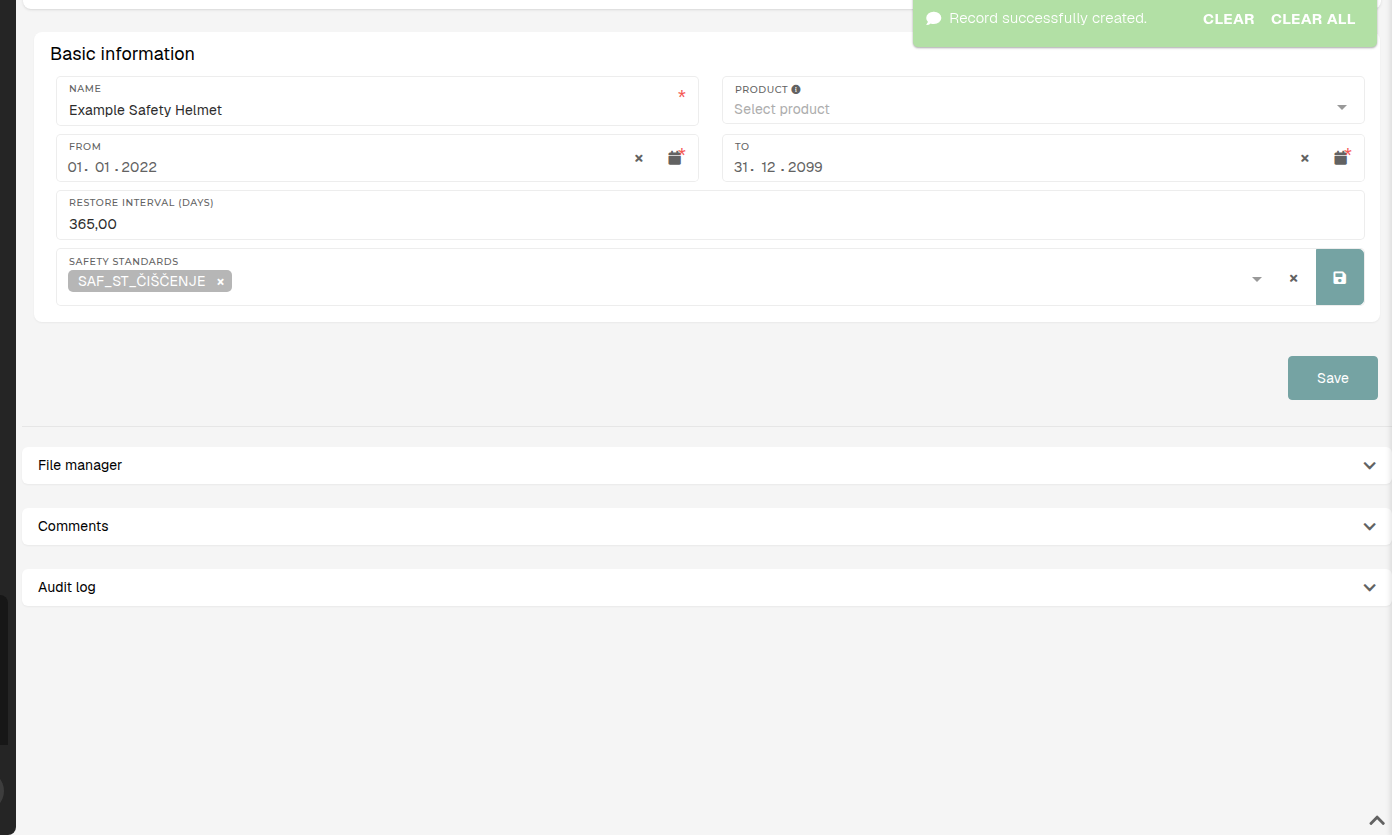 The new work equipment item