Appearance
Attendance event type categories
Attendance event type categories are purely informative — they group attendance event types by meaning, for example separating paid absences from unpaid ones.
1. Open Attendance event type categories
Go to HR > Attendance event type categories. The table lists every category in the company.
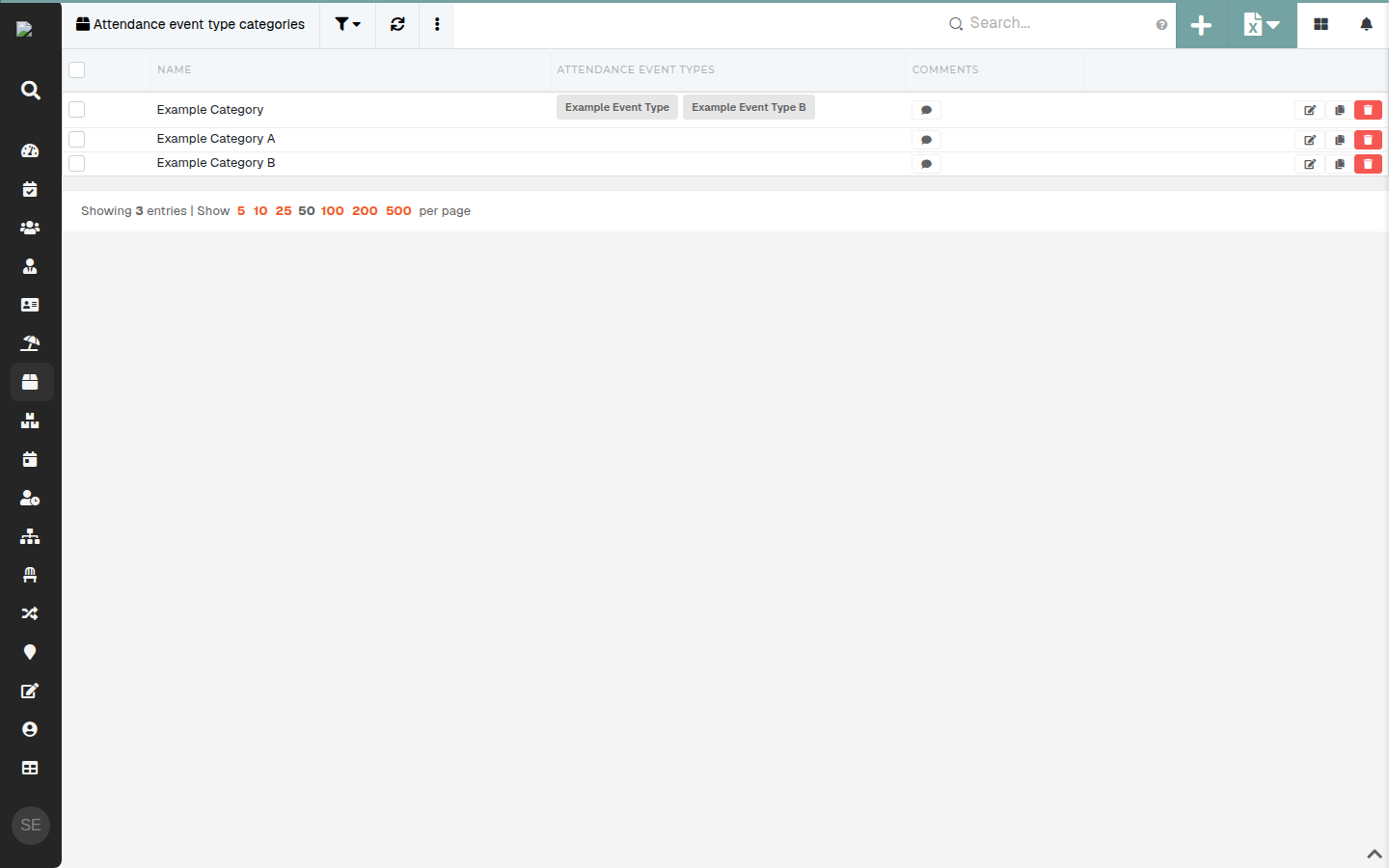 The Attendance event type categories list
2. Read the columns
By default the table shows:
- Name — the category’s name.
- Attendance event types — the attendance event types currently assigned to this category.
- Comments — add or read notes on the category.
Click the funnel icon in the top bar to show or hide columns and to filter the list.
3. Use the row actions
Each row has an edit icon to open the category, a copy icon to duplicate it, and a trash icon to delete it.
 The row actions
See Create a new attendance event type category and Delete an attendance event type category for those flows, and Update an attendance event type category for everything on the category page itself.