Appearance
Attendance report
Attendance report exports one employee’s attendance events for a year — every event type at once, or one type at a time.
1. Open Attendance report
Go to HR > HR reporting, then select the Attendance report tab. This tab needs its own View attendance events permission, separate from the tab itself.
 The HR reporting tabs
2. Pick a year and an employee
Year defaults to the current year. Nothing else shows until you also pick an employee under Select employee for export.
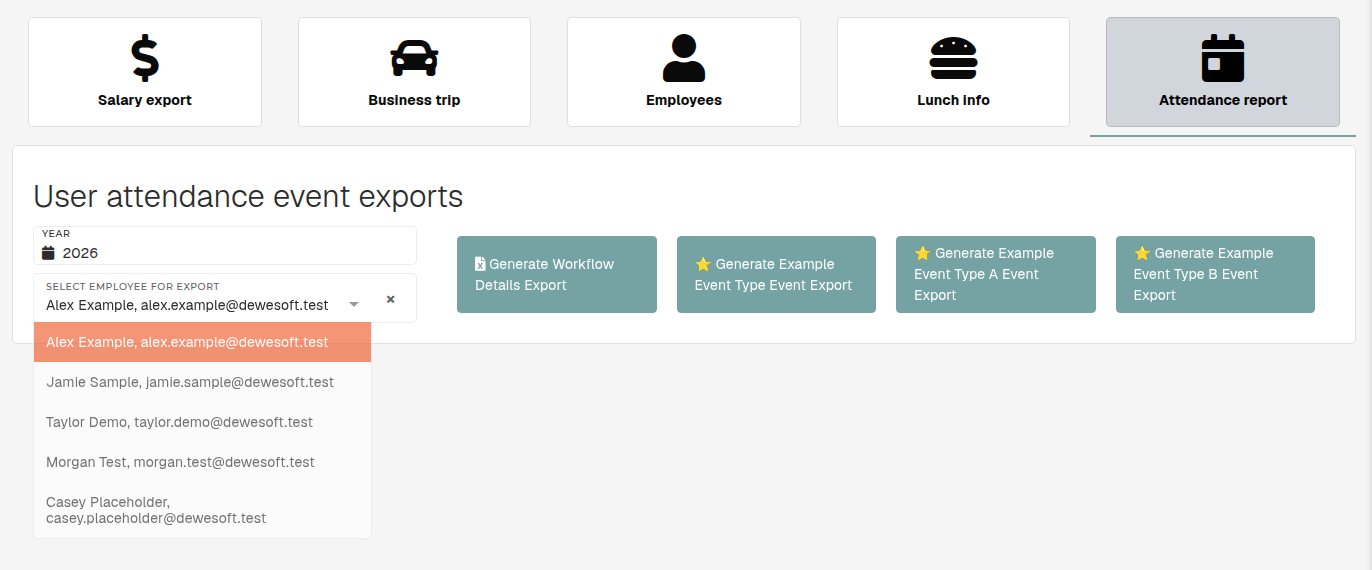 An employee picked, with its export buttons
3. Generate an export
Click Generate Workflow Details Export to export every event type at once, or one of the per-type buttons below it (for example Generate Example Event Type Export) to export just that type. The file opens in a new tab once it is ready.