Appearance
Family members
Records an employee's dependents — for example for benefits or insurance purposes.
1. Open Family members
Go to HR > Family members. Each row is one dependent, with the employee they belong to and their relationship.
 The Family members toolbar
This table holds real dependents' personal data — including date of birth and a personal tax ID — so no table screenshot is included here, and no existing record is shown below.
2. Family member details
The dependent's name, date of birth, gender, personal tax ID, their relationship to the employee, and the employee's HR profile.
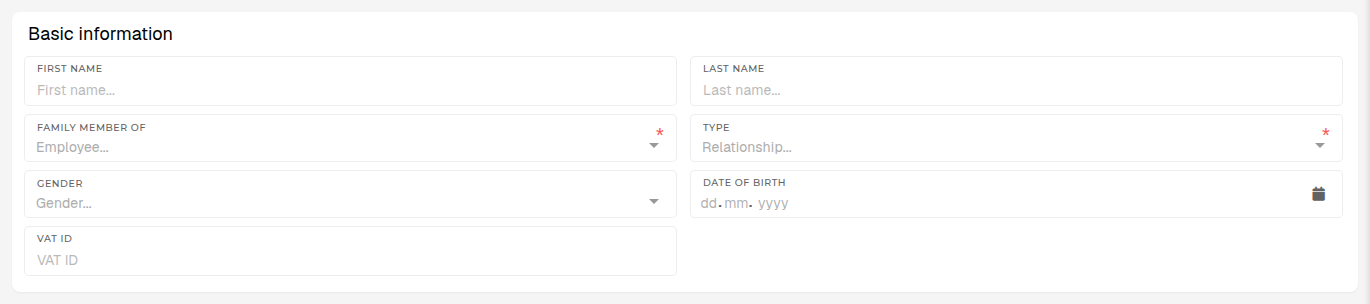 The family member creation form
Work conditions further down lets you grant this dependent a work condition the same way as an employee — for example for insurance purposes.