Appearance
States
A geographic lookup list of administrative regions (states/provinces) within a country, used wherever an address needs one.
1. Open States
Go to CRM > Admin > States. Each row is one state or province, with its code and country.
 The States toolbar
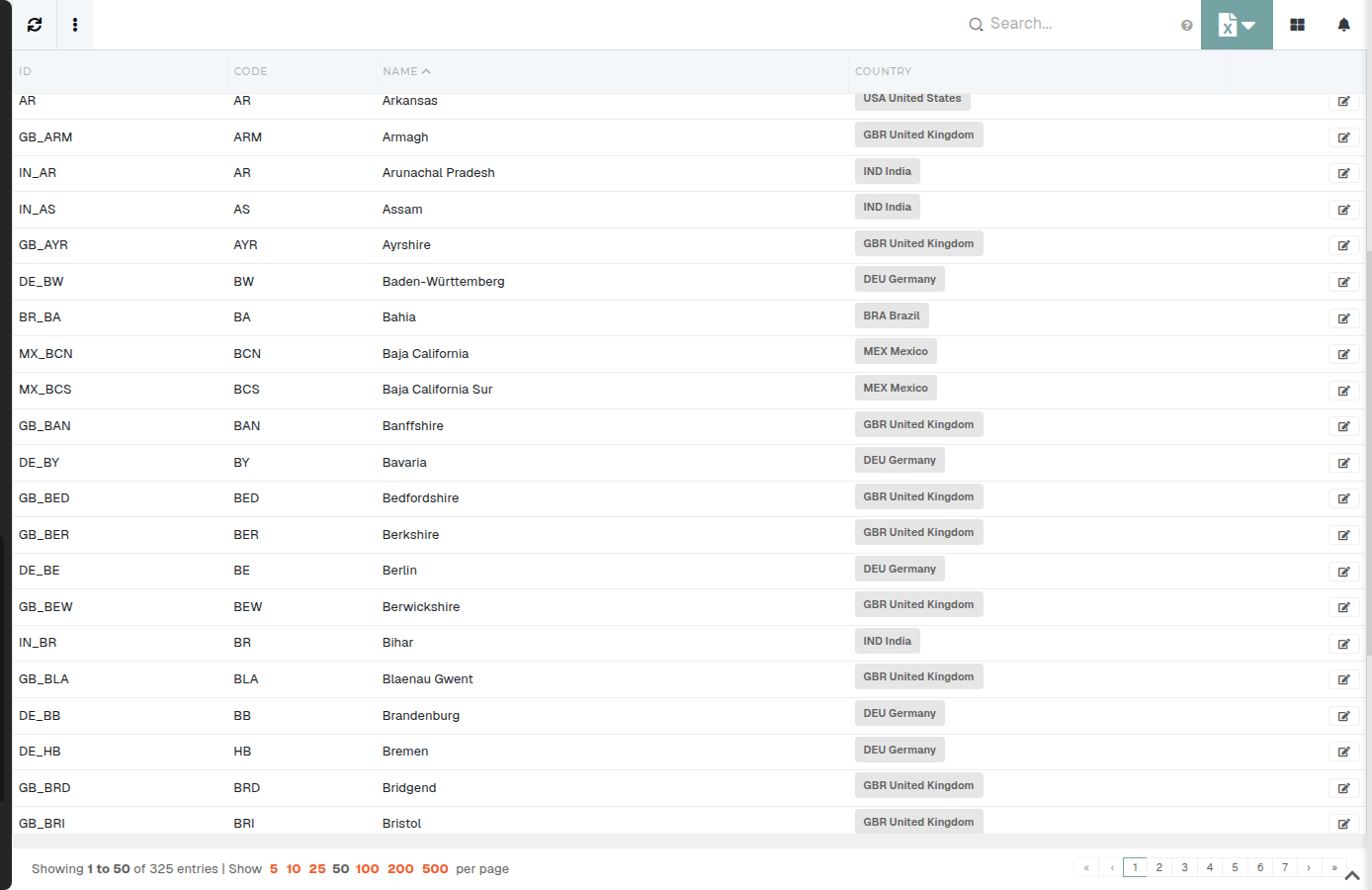 The States table
2. Open a state
A state's code, name, and the country it belongs to.
 A state's details
States can only be edited, not created, from this screen.