Appearance
Contacts
A global, cross-account list of contact people — distinct from the Contacts tab inside a single account's detail page.
1. Open Contacts
Go to CRM > Address book > Contacts. Each row is one person, with their account, job title, and contact details.
 The Contacts toolbar
Every row identifies a real person, so no table screenshot is included here. Contacts are usually added from inside an account's own Address book tab, which links the account automatically.
2. Contact details
A contact's name, business and private email, phone numbers, the account and department they belong to, and their address.
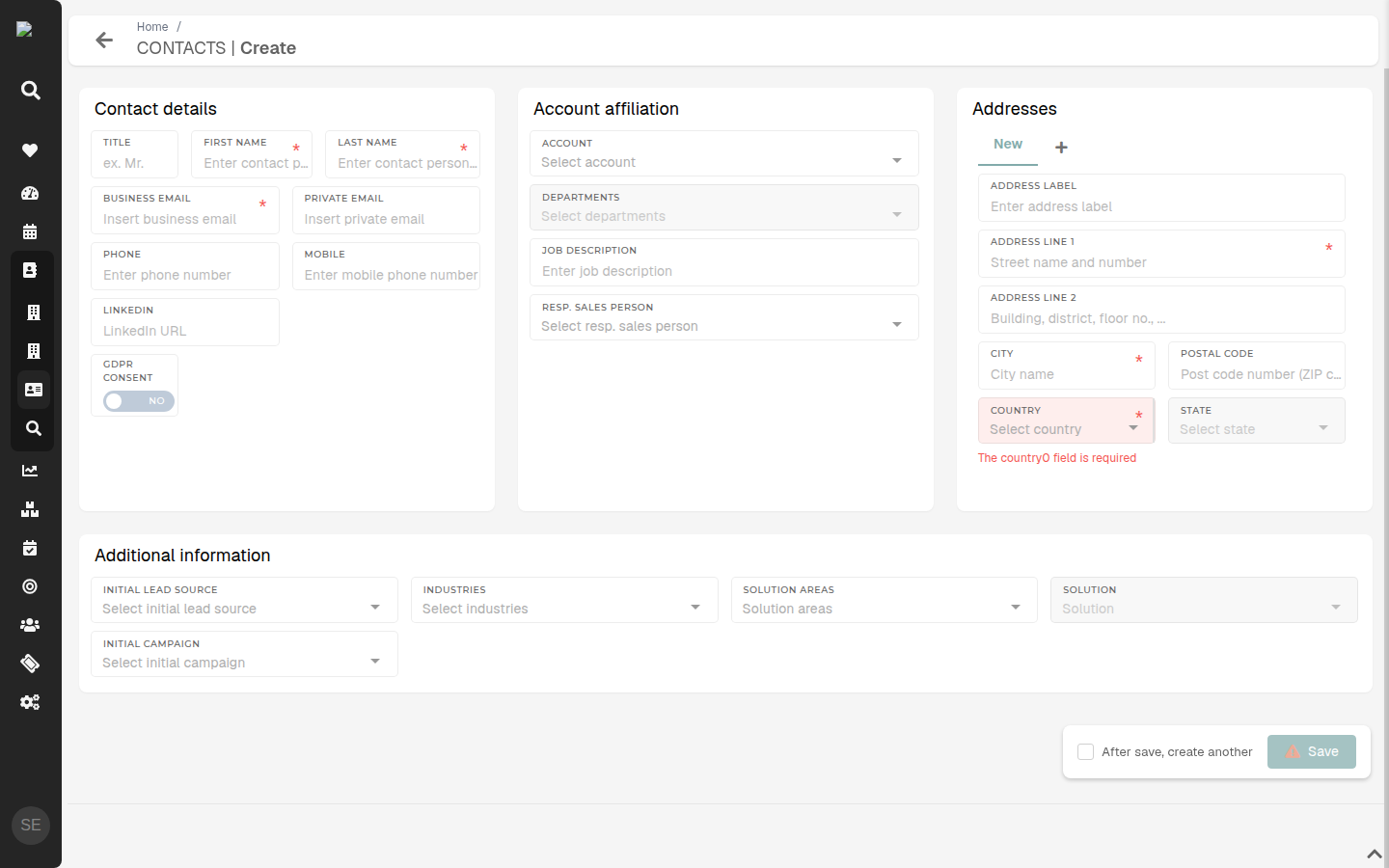 The contact creation form
NOTE
Transfer all contact data to another contact merges one contact's activity and history into another — useful when the same person was accidentally added twice.