Appearance
Sales personnel
Links a user to their role as a salesperson — their yearly target, sales teams, and the quote message they sign off with.
1. Open Sales personnel
Go to CRM > Team management > Sales personnel. Each row is one salesperson, with their yearly target and status.
 The Sales personnel toolbar
Every row identifies a real colleague, so no table screenshot is included here.
2. Sales personnel details
Pick the user, set their yearly target, and assign them to one or more sales teams.
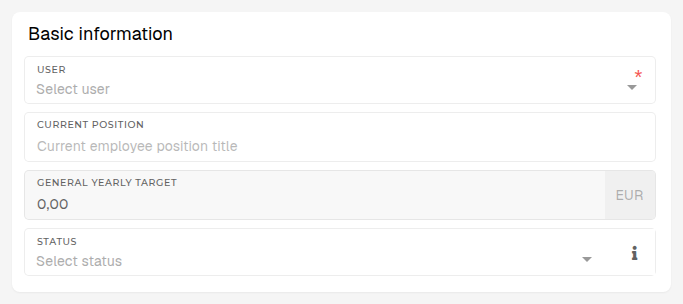 The sales personnel creation form
The Quote info fieldset sets the personal message and quote details shown to customers on this person's quotes.