Appearance
Leads
An inbound inquiry, before it's qualified into a contact, account, and opportunity.
1. Open Leads
Go to CRM > Sales pipeline > Leads. Each row is one inbound lead, with its source, status, and the person and company behind it.
 The Leads toolbar
Every row identifies a real person and company, so no table screenshot is included here.
2. Lead details
A lead records who inquired, their company, and the message or request they sent — plus how the lead reached you and which campaign (if any) brought it in.
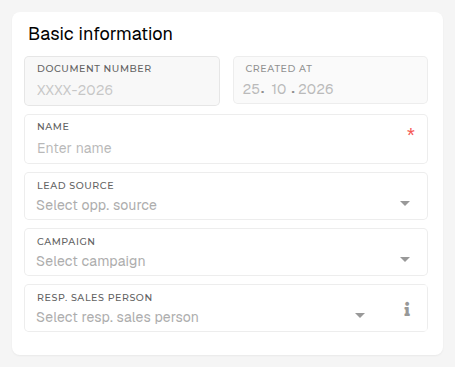 The lead creation form
NOTE
Qualifying a lead creates (or links) a contact, account, and opportunity from it — the status flow at the top of the page tracks where a lead is in that process.