Appearance
Dun & Bradstreet
Looks up a company in the external Dun & Bradstreet registry, to verify it or create/link an account from the official record.
1. Search the registry
Go to CRM > Address book > Dun & Bradstreet. Search by company name (or VAT, country, city, postal code) to look up its official D&B record.
 The Dun & Bradstreet toolbar
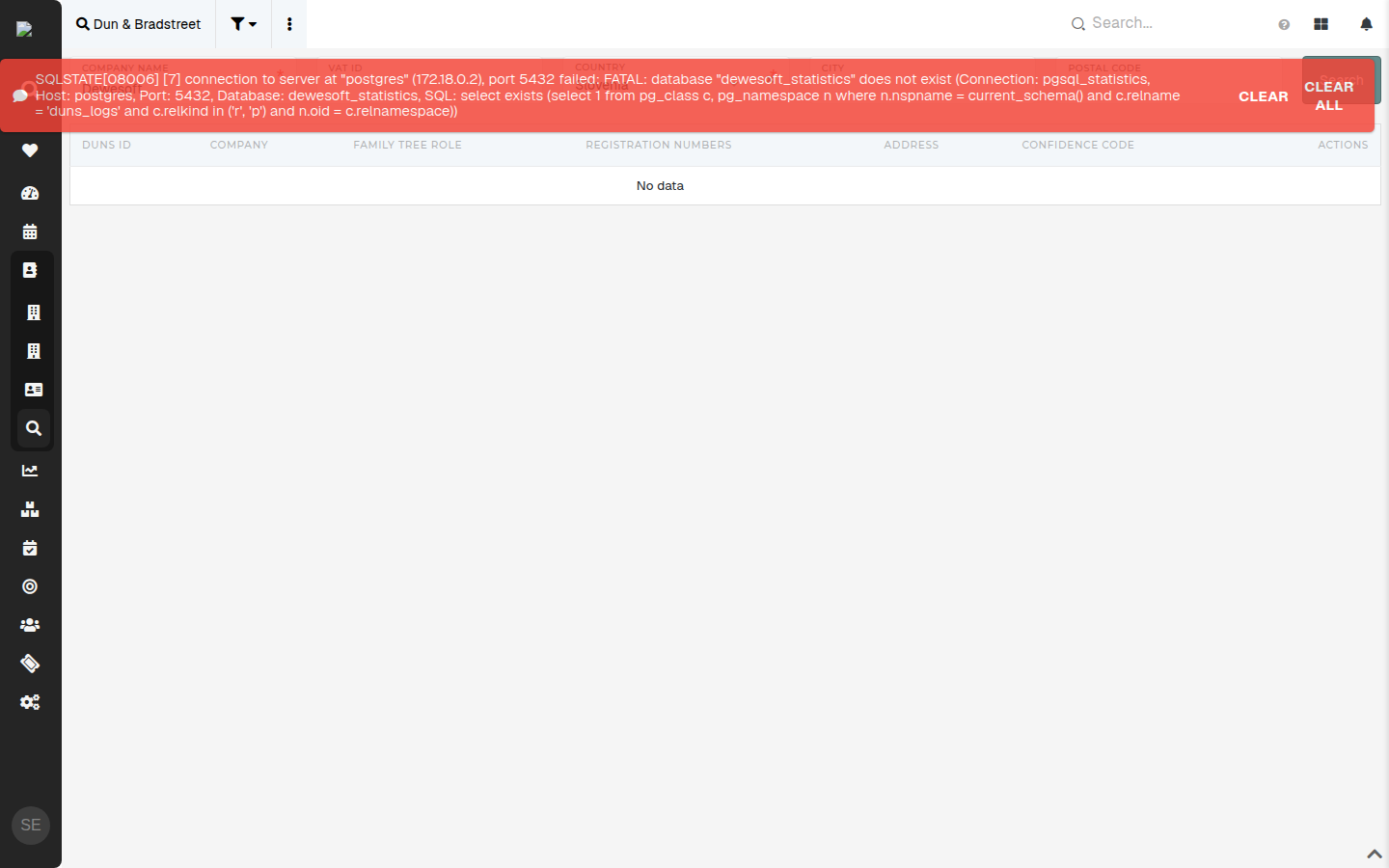 Search results from the D&B registry
Preview opens the company's full D&B record, Create account makes a new account pre-filled from it, and Link to existing account attaches the D&B data to an account you already have.