Appearance
Departments
A global list of account departments — the organizational units within a customer or prospect, each with its own address and contacts.
1. Open Departments
Go to CRM > Address book > Departments. Each row is one department, with the account it belongs to, its sales person, and its address.
 The Departments toolbar
Every row identifies a real customer, so no table screenshot is included here. Departments are usually created from inside an account's own Address book tab, which sets the account automatically.
2. Department details
A department picks the account it belongs to, a name, a sales person, and its own addresses and contacts.
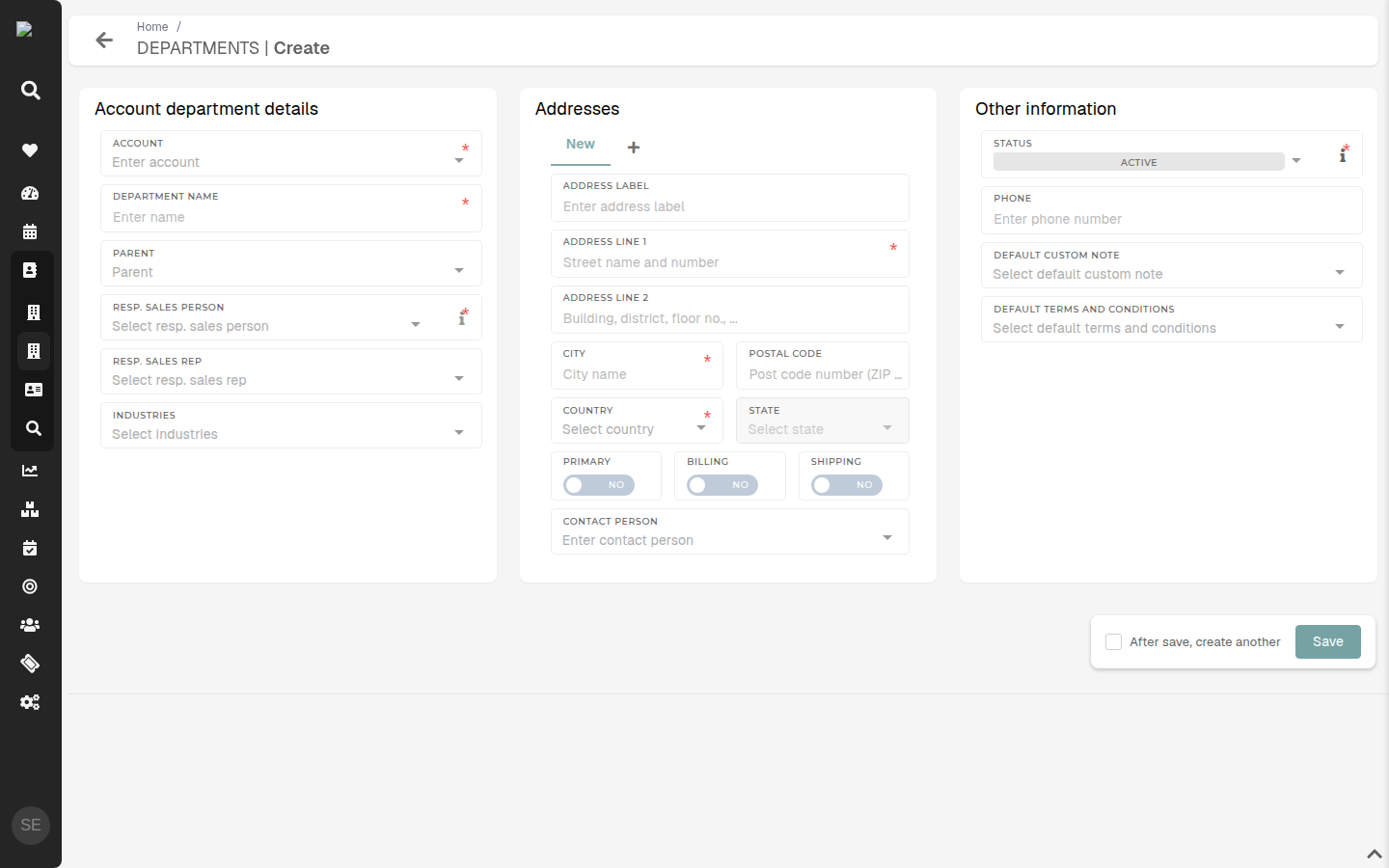 The department creation form