Appearance
Set up RT licences
Devices that run DewesoftRT get an RT licence on top of their normal Dewesoft licence. An RT licence is created like any other software licence, but it has its own prefix, its own software product and its own place on the serial number, so one device can hold both. This guide shows how to set up the RT software and an RT system, and where the RT licence then appears.
1. Set up the RT software product
Open the DewesoftRT software product, expand Configurator data and turn on both Is software and Is RT software in Type information. Is RT software only works together with Is software — without it no licence is created.
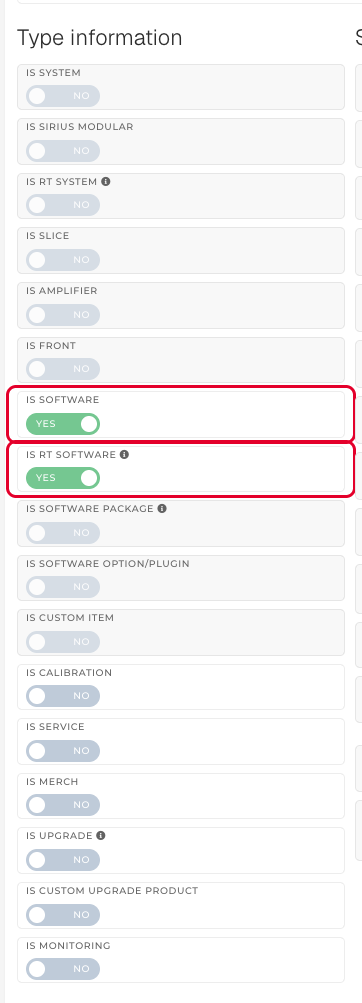 Is software and Is RT software on the RT software
2. Use the DWR prefix
In Software information, set License prefix to DWR. RT licence keys then start with DWR-, e.g. DWR-RVTM-6TDQ-Y111.
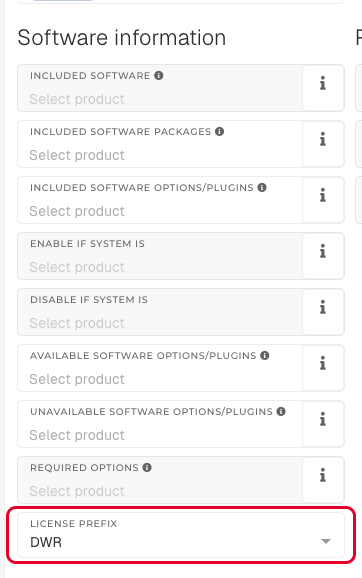 License prefix DWR on the RT software
IMPORTANT
The ERP recognises an RT licence by Is RT software, not by the prefix. Keep the two together: the licence form only offers RT software when the prefix is DWR, and only other software for every other prefix.
Packages, options and upgrades of the RT software are set up exactly like for other software — see Set up software licences.
3. Mark the system as an RT system
Open the system that can run DewesoftRT and turn on Is RT system in Type information. It can only be turned on for products marked Is system or Is Sirius Modular.
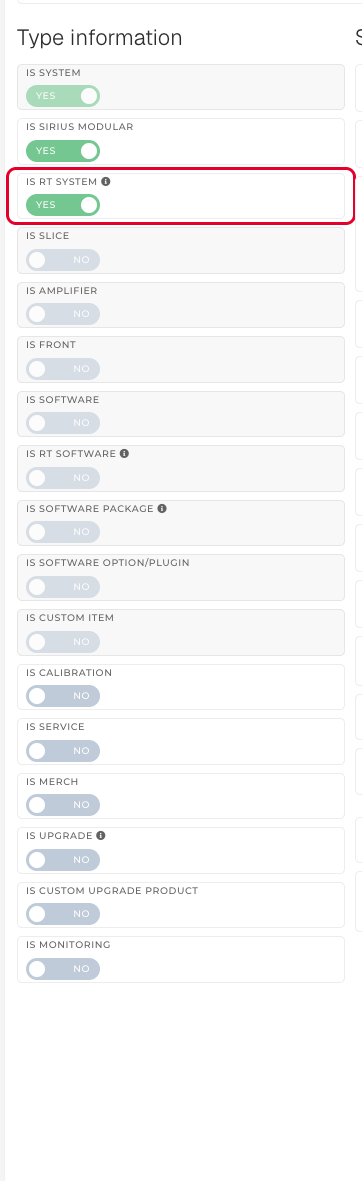 Is RT system on a system
4. Include the RT software
Fill in RT software information. It works like Software information, but for DewesoftRT, and can only be edited on an RT system:
- Included RT software — the RT software that comes with the system.
- Included RT software packages and Included RT software options/plugins — come free with it and are written into its RT licence.
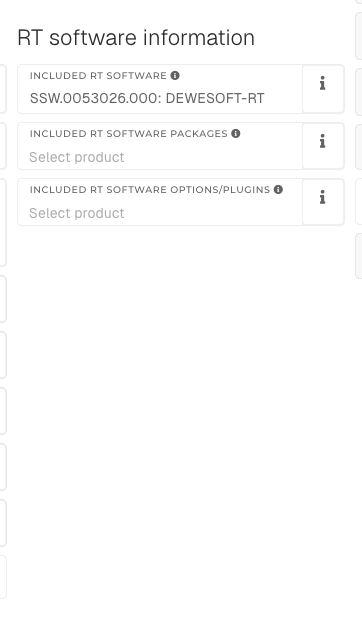 RT software information on an RT system
Just like normal software, an RT licence bundled with the system does not need to be registered by the customer as long as the RT software, packages and options match exactly what is included here.
5. Check it in the configurator
The system now shows Included RT software next to its normal included software, and gets a Software RT tab.
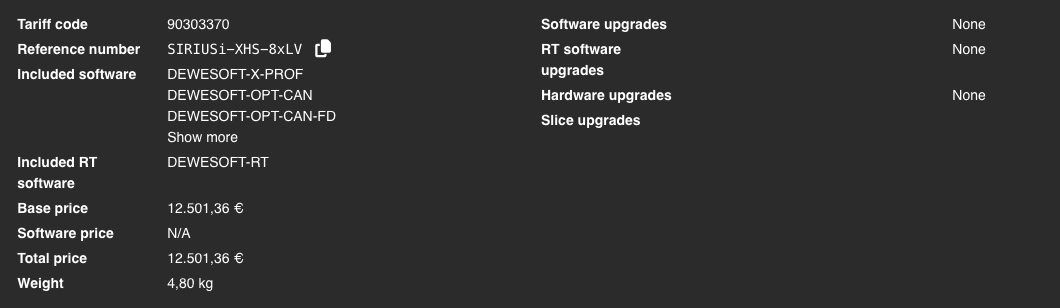 Included RT software in the configurator
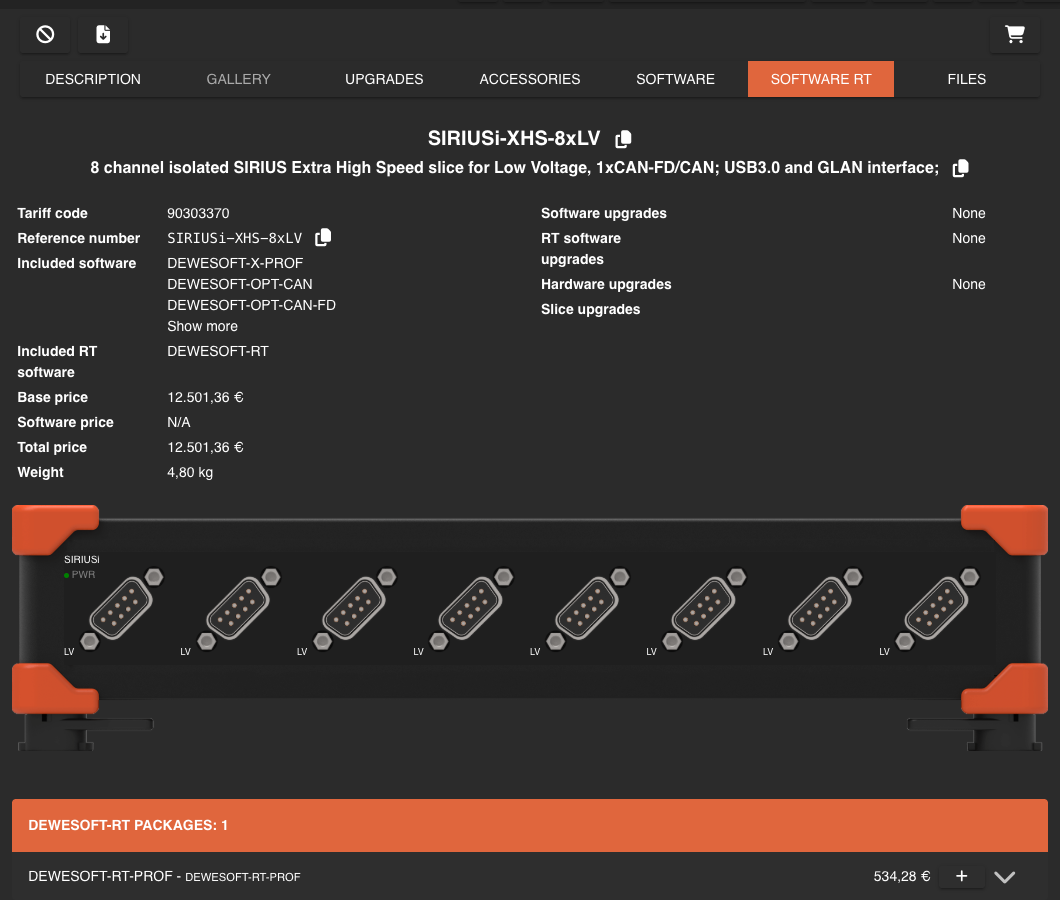 The Software RT tab of an RT system
In Software RT the customer can add RT packages and options. When the system is ordered, the RT software becomes a second software item under the system — next to the normal software — and gets its own DWR licence for each unit.
6. Find the RT licence
RT licences are listed with all other licences in Products → Licenses. Their License key starts with DWR and their Software is the RT software.
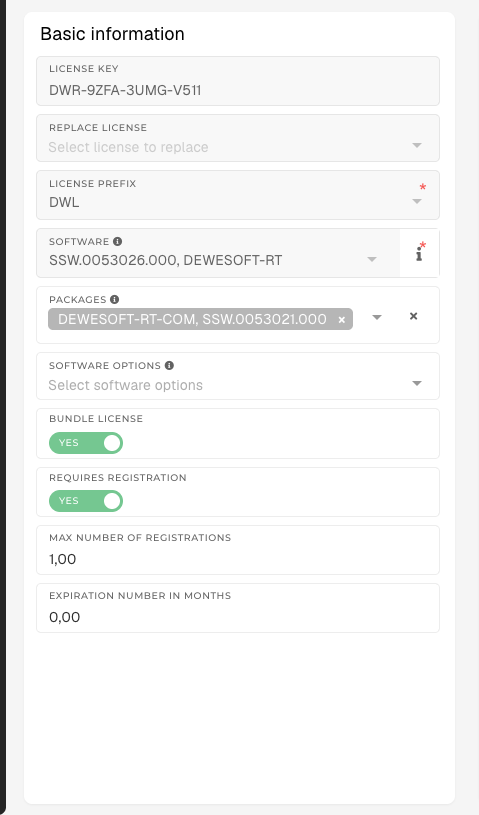 An RT licence
Under Order information, an RT licence shows Serial number (RT licence) instead of Serial number — the device it is the RT licence of.
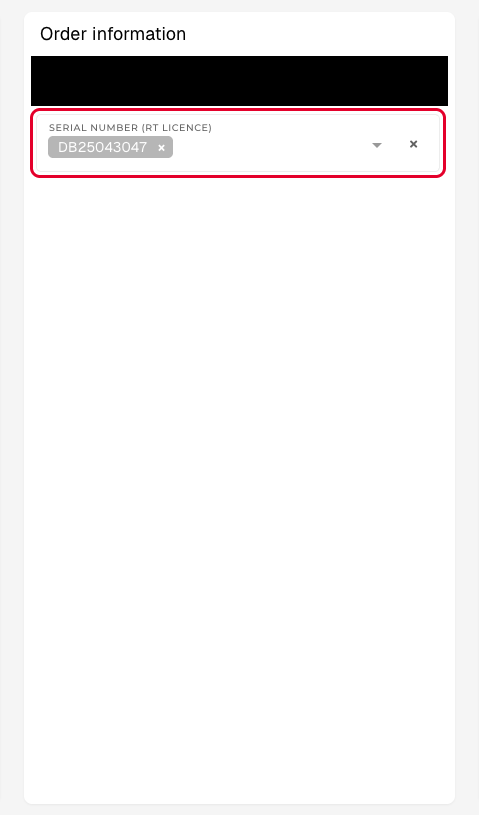 Serial number (RT licence) on an RT licence
7. See it on the serial number
On the serial number, the RT licence is in RT license, next to the normal License. Both are linked automatically when the serial numbers are added to the order item — the RT licence to RT license, every other licence to License. To link one by hand, pick it there, or use Link existing software license under the RT software item on the sale order (it only offers RT licences).
 License and RT license on a serial number
TIP
In an account's inventory, the RT licence key column shows the RT licence of every device next to its Licence key.